
MORE THAN THE CAMERA ROLL
A travel journal app for photos and the stories around them
You may have a photo of dinner. Keep the name of the place, the conversation and the reason you stayed another hour. Memoir gives your travel photos room for the story around them.

For iPhone and iPad. Listed as Memoiri on the App Store.

TRY IT NOW
Keep one travel moment
Save enough context to make a photo or recording meaningful after the trip.
Choose one scene
Start with a meal, conversation, walk or unexpected change of plan.
Add what the camera missed
Name the person, place, sound or reason you stayed.
Use words you can find again
Include the café, town or companion you may search for later.
Add the detail a photo cannot tell
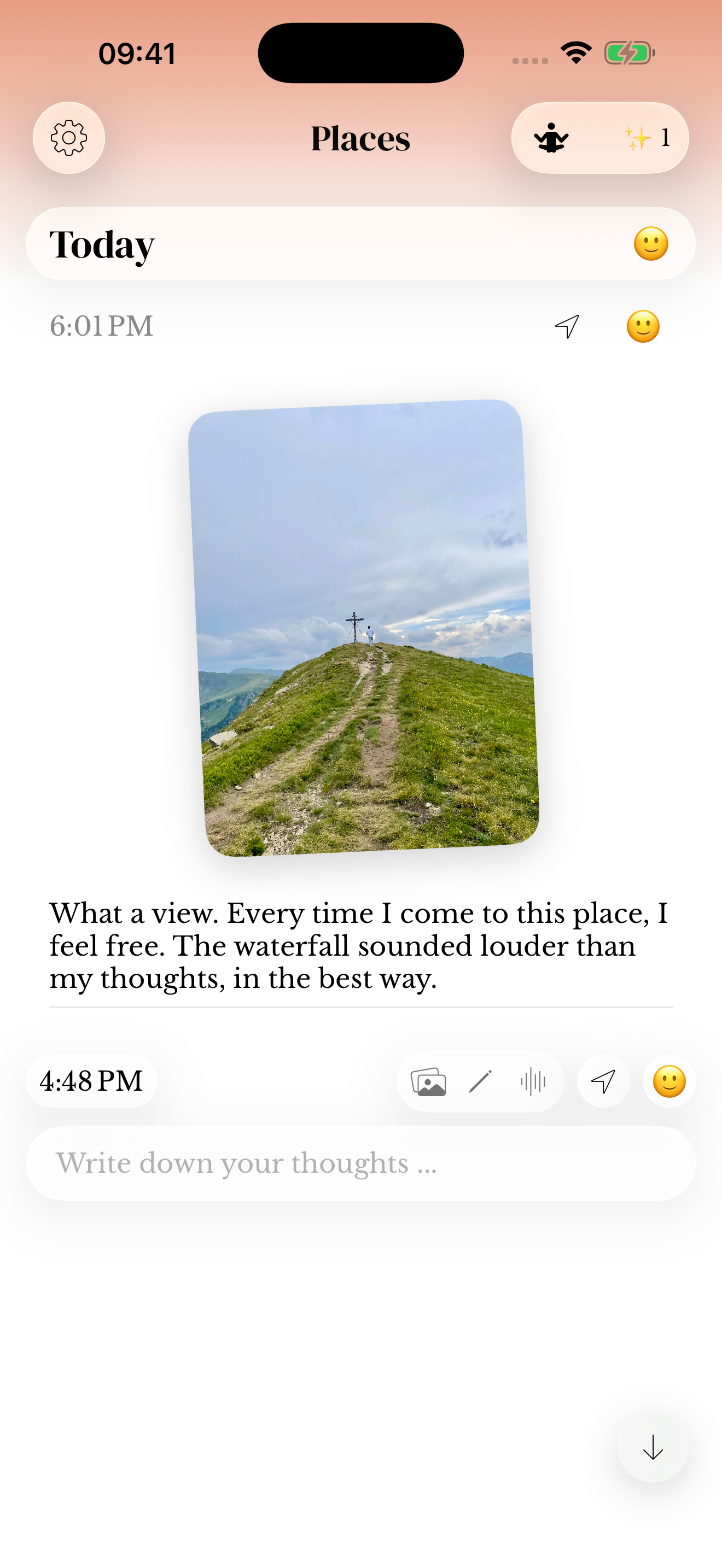
Add a photo to an entry and write a sentence about what was happening. A place name, the person beside you or the reason you took the picture can be enough.
For a longer trip, choose a separate journal with the trip’s name, or keep travel alongside daily life. Check the entry date when adding memories after you get home.
Make a voice note at a quiet stop
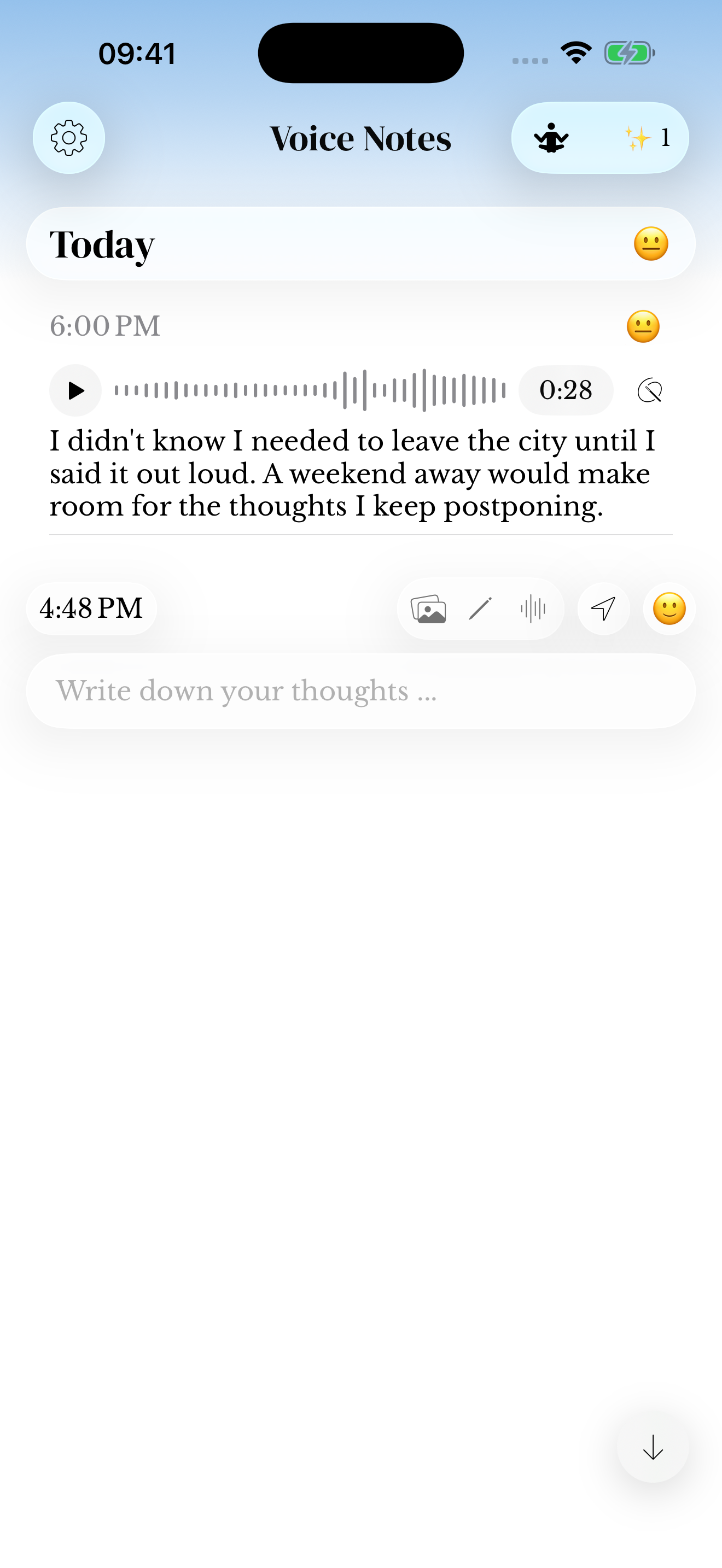
A short recording can hold the things you do not want to type while travelling. Say the place name and one detail, then review any recognized text later. Transcription depends on permissions and availability.
Try recording after a walk or back at your accommodation. You do not have to document every stop to keep a useful record.
A spoken travel entry
We missed the early ferry and found a tiny bakery near the harbour. Jo chose the pastry neither of us could pronounce. I want to remember that unexpected hour.
Use travel journal prompts when the day feels too full
Choose one question: What surprised me? What would I tell a friend about this place? Which detail is outside the photo? Answer it while the moment is easy to describe.
The travel journaling guide includes examples for short trips, busy days and coming home. Keep practical recommendations in your own words so you can recognize them later.
Return to a meal, a place or a conversation
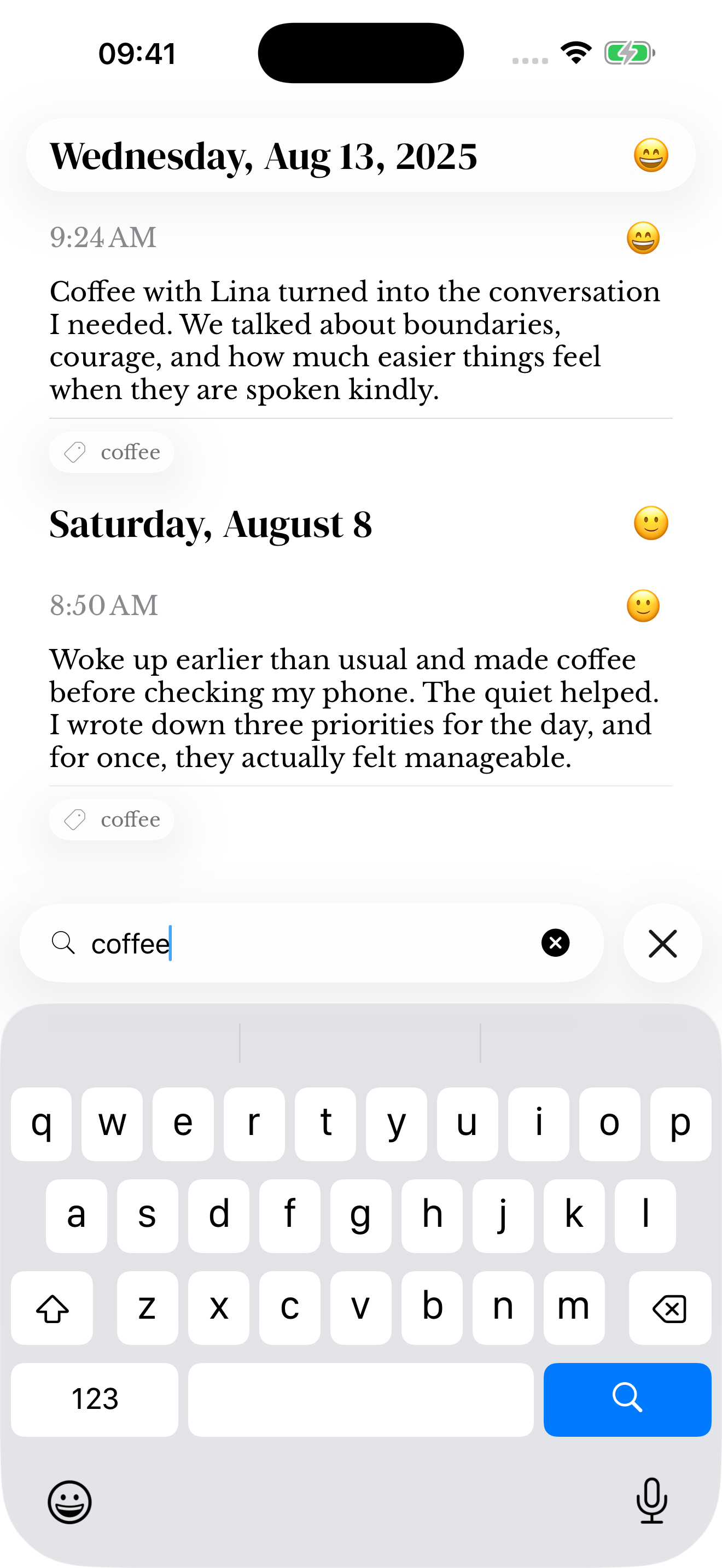
Search for words and context from the entries you saved. A café name or the person you travelled with can lead back to the surrounding memory. Read the search guide for ways to narrow the results.
Location can be added to entries using the app’s location controls. Memoir does not automatically produce a trip route, travel map or public itinerary. The sample screenshots illustrate journal features, rather than a live travel feed.
Questions before you start
Is this a travel journal app with photos?
Yes. You can keep photos with text and other journal attachments in memoir on iPhone and iPad.
Can I write after the trip?
Yes. Add a memory when you have time and check its date if it belongs to an earlier day.
Does it create an automatic travel map?
No automatic route map or itinerary is offered by this workflow. You can add location context to individual journal entries.
Can I publish a shared trip journal?
This page describes personal memory keeping in memoir. It does not offer a shared travel website or collaborative itinerary.