Getting started with memoir
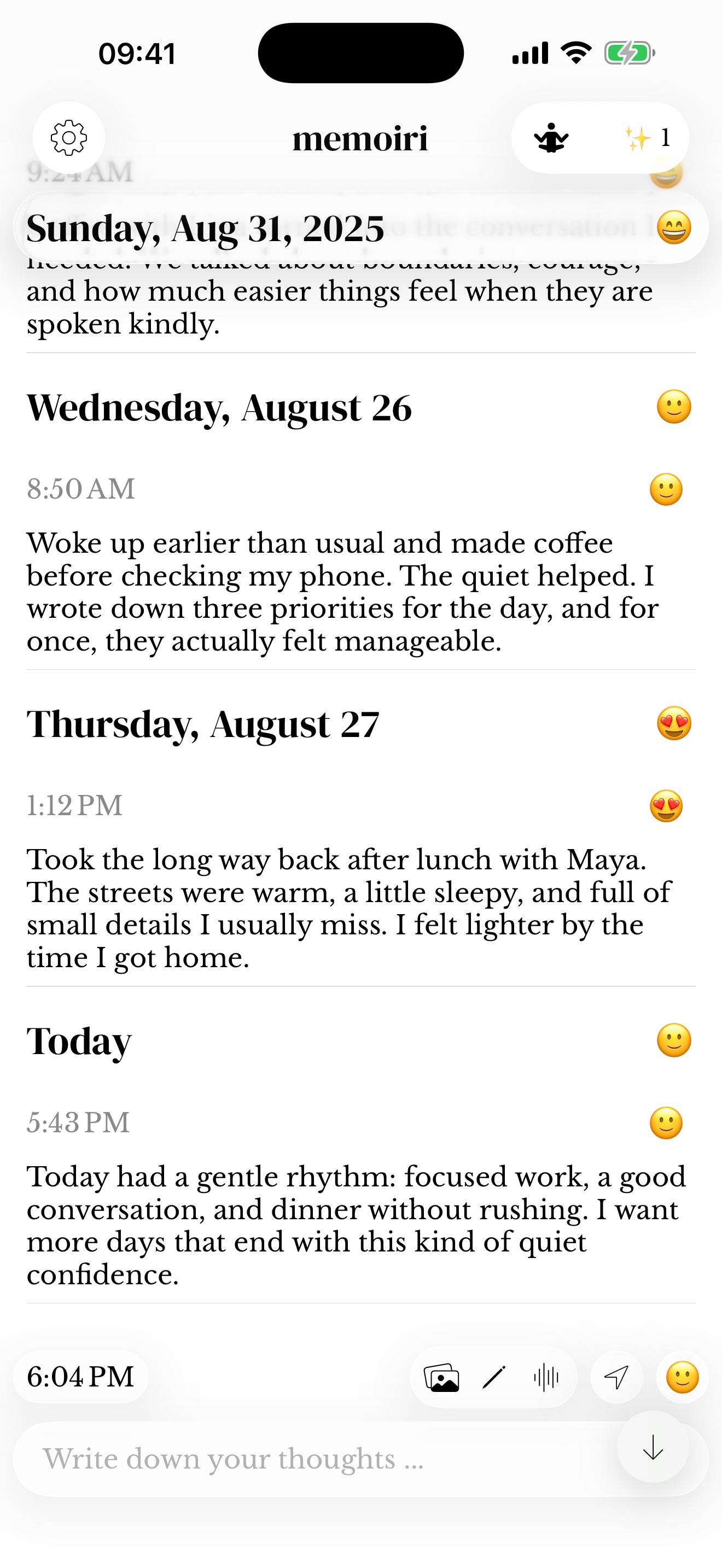
Create your first journal entry, find your way around memoir, and choose how much you want to capture.
 memoir.

MEMOIR HELP
Learn how to capture a memory, find it again, and keep it private. New to memoir? Start with your first entry.
34 guides
Create your first journal entry, find your way around memoir, and choose how much you want to capture.
Start a small daily diary habit with one sentence, a mood, and easy ways to revisit your memories.
Review memoir+ features, restore access through Apple, and find subscription management information.
Learn how to capture short or long diary entries, revisit them, and work with dates in memoir.
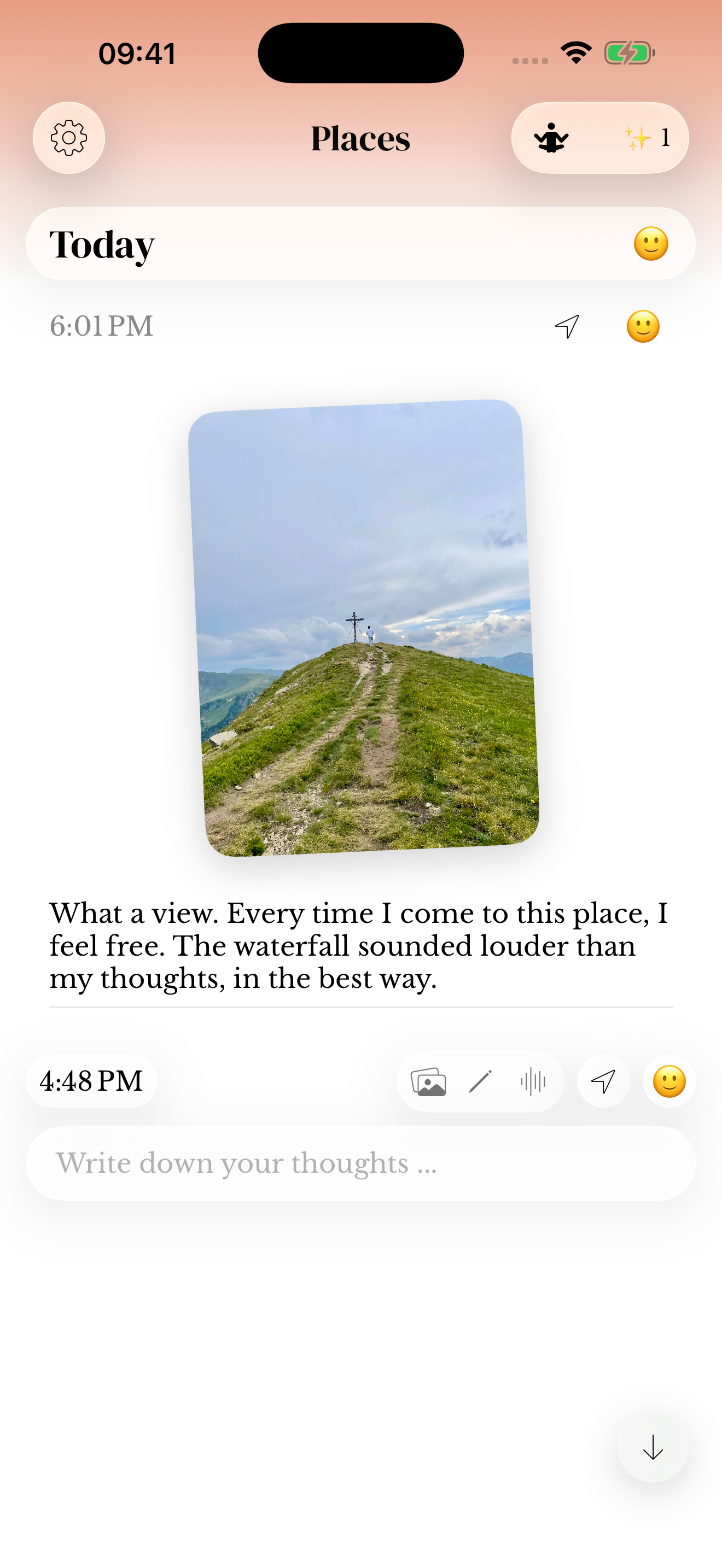
Keep photos, use the camera and sticker tools, and revisit images alongside your words in memoir.
Capture and replay voice memories in memoir, including microphone access and recording troubleshooting.
Use drawings to capture an idea or a small detail, and keep sketches with your memories in memoir.
Understand recorded locations, permission choices, and finding journal entries associated with a place in memoir.
Use Save to memoir from another app, choose a journal, and review pasted text, links or media before saving.
Understand unsent journal drafts, attachments, and what changes when you save an entry in memoir.
Backdate a memory, correct a saved entry’s timestamp, and find it in the right day in memoir.
Open full-screen photos, zoom into details, and arrange photo attachments before saving a memoir entry.
Understand speech recognition for voice entries, permissions, and what to check when a transcript is missing in memoir.
Add emoji mood check-ins, understand missing days, and revisit recorded mood patterns in memoir.
Explore On This Day, mood patterns, streaks, and ways to return to your saved entries in memoir.
Search memoir by words, dates, moods, people, places, and media to find a saved memory.
Rediscover entries from the same calendar date in previous years and open their original context in memoir.
Read streaks, captured days and activity summaries in memoir without confusing them with the number of entries.
Use separate journals, choose a cover, and move entries into the journal that fits in memoir.
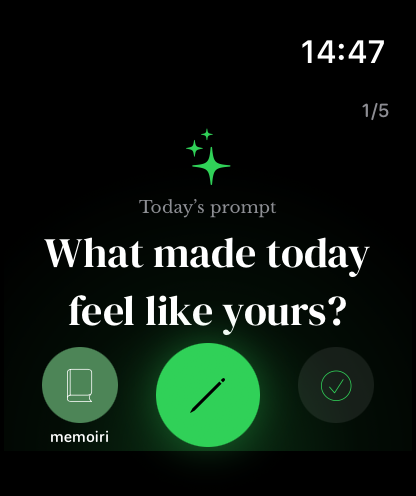
Find a starting question, use the prompt deck, and adjust available prompt options in memoir.
Choose writing reminder times, understand notification permissions, and adjust prompted notifications in memoir.
Make space for a writing session, review Focus Time settings, and understand optional distraction controls in memoir.
Find memoir’s writing font, appearance, and haptic feedback settings and choose a comfortable reading experience.
Move a saved memory between journals in memoir without copying and pasting its text or rebuilding its attachments.
Enable optional iCloud Sync with memoir+, understand the Apple account requirement, and troubleshoot missing memories.
Keep a copy of your journal library, restore a memoir backup, and understand supported import formats.
Set an app passcode, review supported device authentication, and understand where memoir stores journal data.
Understand memoir’s optional HealthKit and Spotlight settings before sharing information with system features.
Understand local journal storage, offline capture, attachment space, and what to check before removing the app.
Use memoir on Apple Watch for quick text, voice, mood, and prompt entries, with companion transfer guidance.
Add Home Screen and Lock Screen widgets for quick capture, prompts, memories, and journal activity.
Start, pause, resume and finish a manual memoir Focus Time session from your paired Apple Watch.
Check memoir Watch delivery status, retry queued captures and find the destination journal on iPhone.
Write on a larger screen, browse journal photos and keep iPad memories in sync with your iPhone in memoir.
If a guide does not answer your question, email contact@memoiri.app. Tell us your device, system and app versions, what you tried, and what happened. Please leave out passcodes and private entries.
These guides explain the app’s features and settings. Some labels and options vary by device, app version, and memoir+ access.