

How to get started
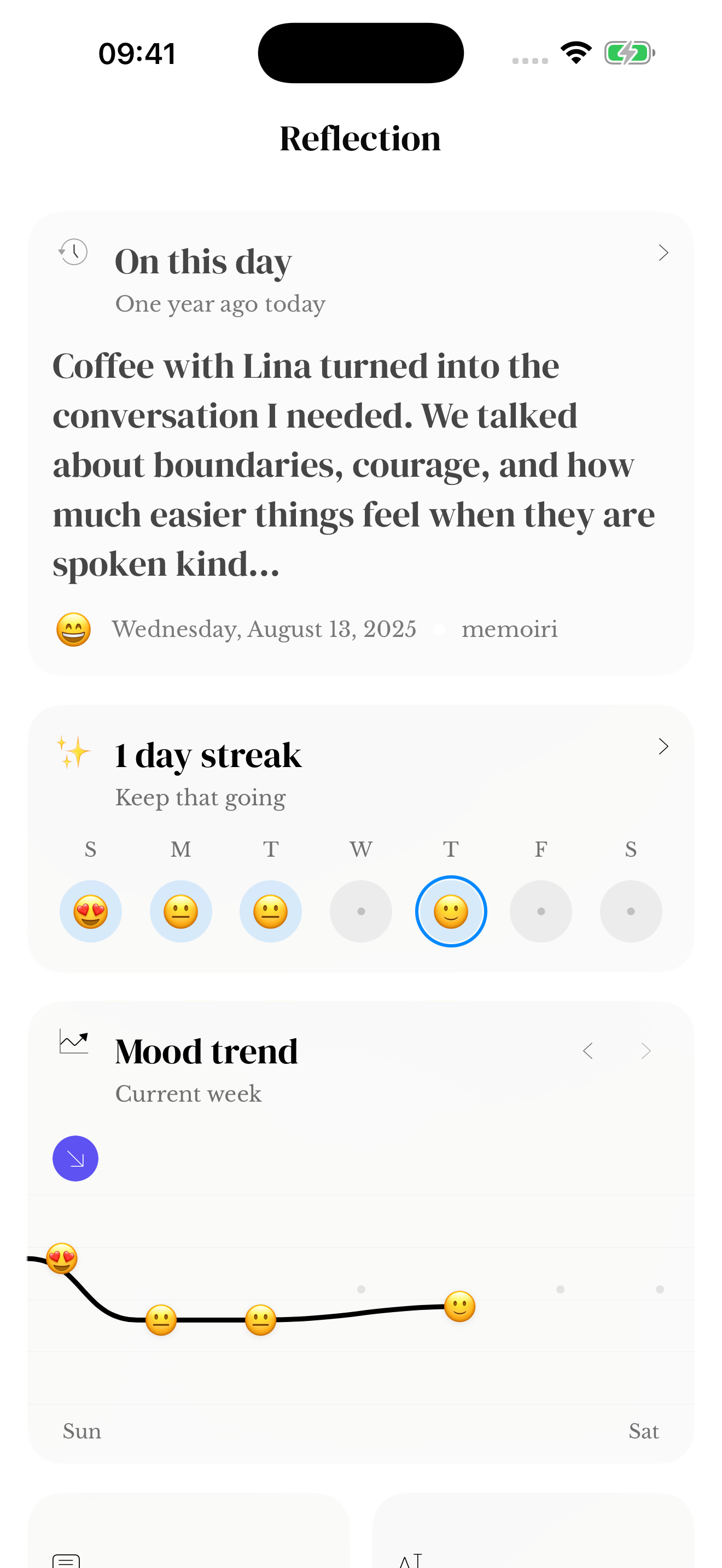
- Open Reflection and look at the streak and activity views available in your version.
- Compare captured days with entry totals: they answer different questions.
- Use the date and journal scope to understand which memories contribute.
- Open the original entries when you want to understand a day beyond its count.
Expand the monthly calendar
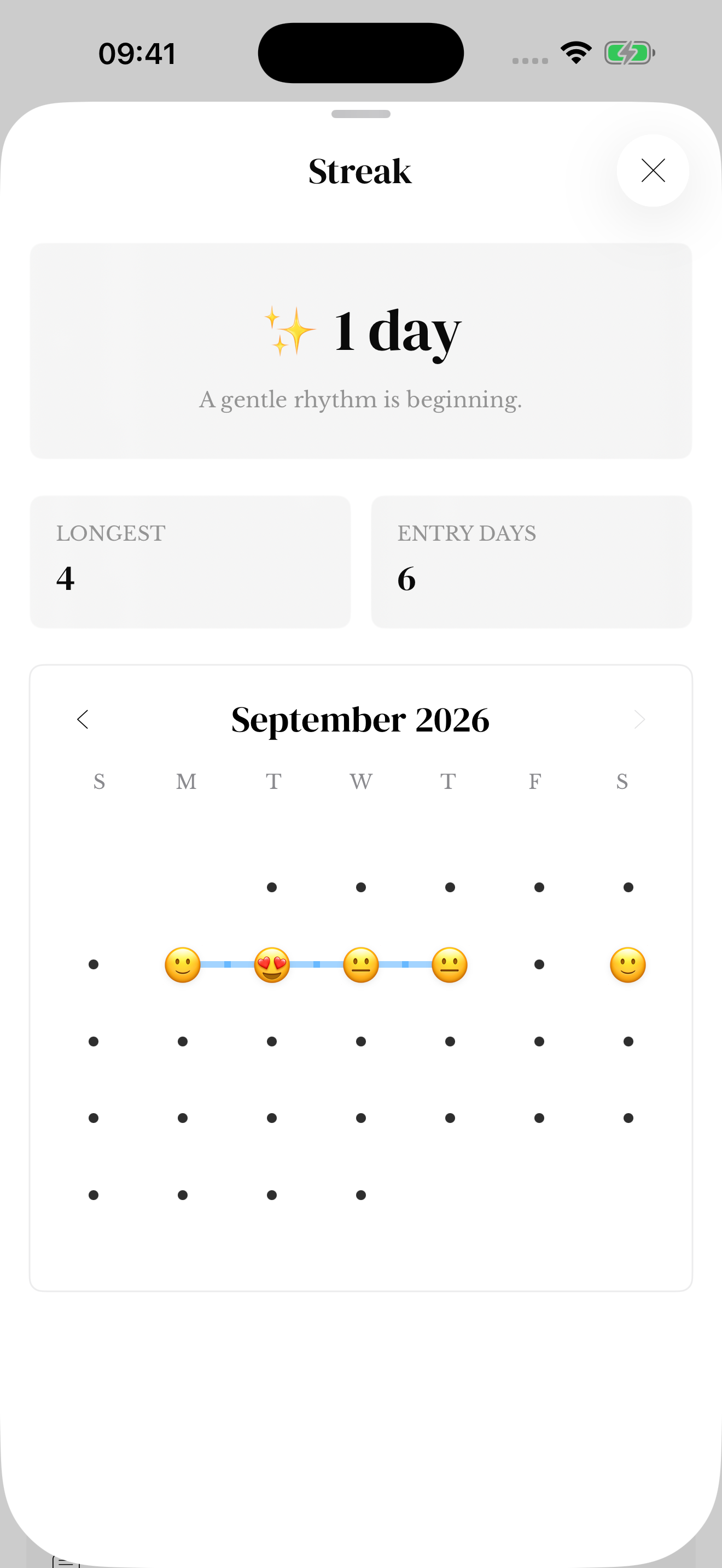
Open Streak from Reflection and expand the sheet to see the month grid. Use the month arrows to browse available history. The sheet also shows your current streak, longest streak and number of entry days.
Mood emoji summarize the recorded moods for each date; they do not show every individual check-in. Several entries on one date count as one entry day. The calendar is an overview, so return to your journal or Search to read the original entries.
Dates and saved memories
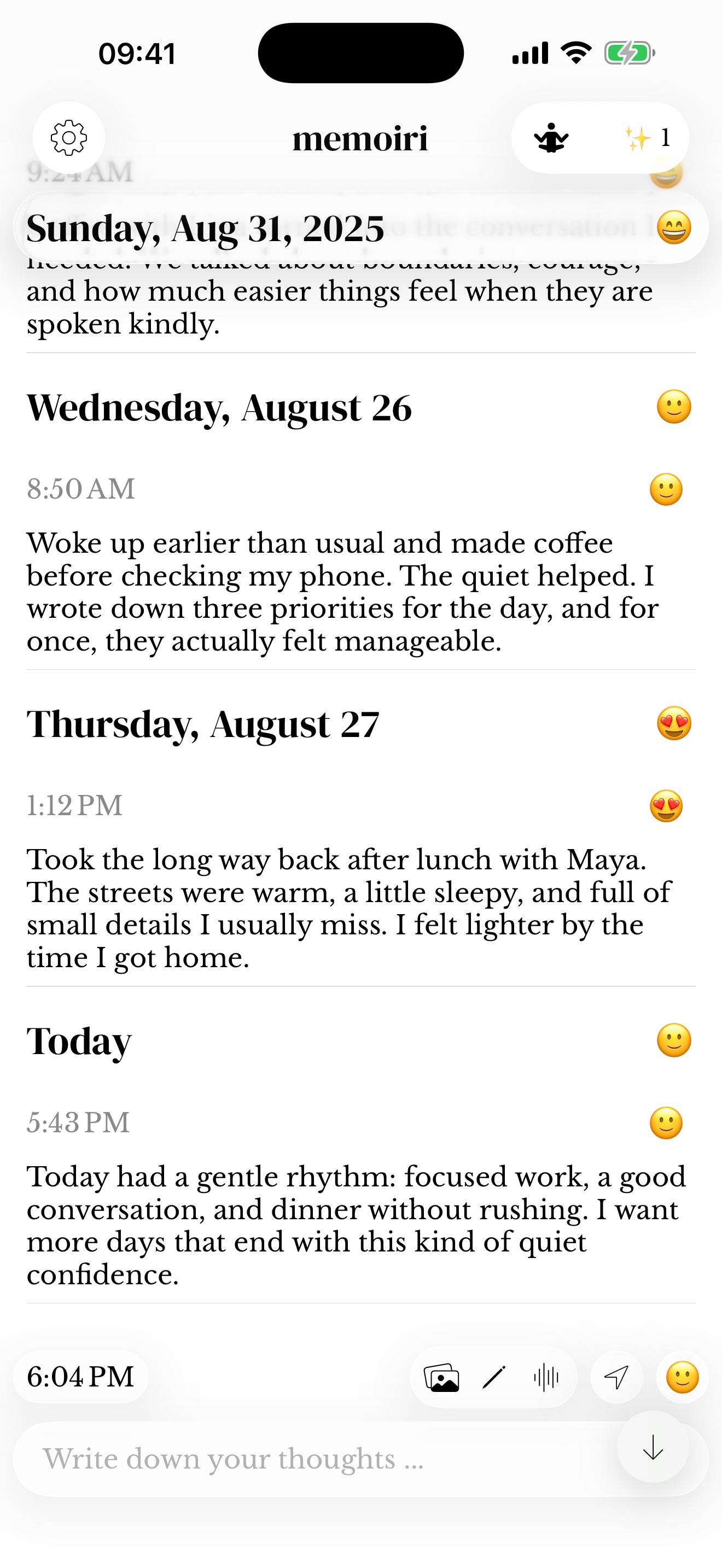
An unsent draft is not a completed entry. Changing a saved timestamp can change the day to which a memory belongs. See drafts and entry dates if the activity does not match your expectations.
A gap in your streak does not remove older memories. You can resume with one sentence using the one-line-a-day guide.
Activity on your wrist and Home Screen
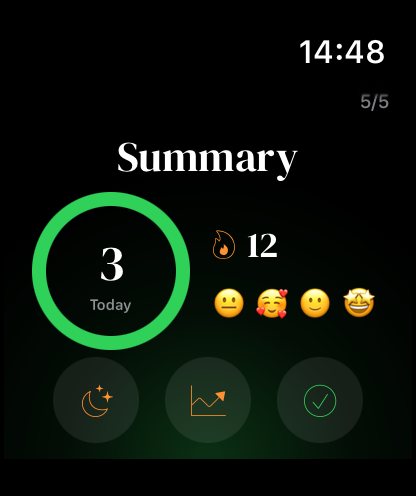
Streak and calendar widgets give a smaller view of writing activity. The Apple Watch Summary also includes today’s capture count and streak. These displays can update after the app has refreshed or a Watch transfer has completed.
See widgets and Apple Watch for setup and privacy considerations.
Screenshots use sample content. Labels and available controls can vary by app version and device.