

How to get started
- Use your device’s widget gallery and look for memoir.
- Choose a supported Home Screen or Lock Screen widget.
- Review any journal or display configuration, then test its action.
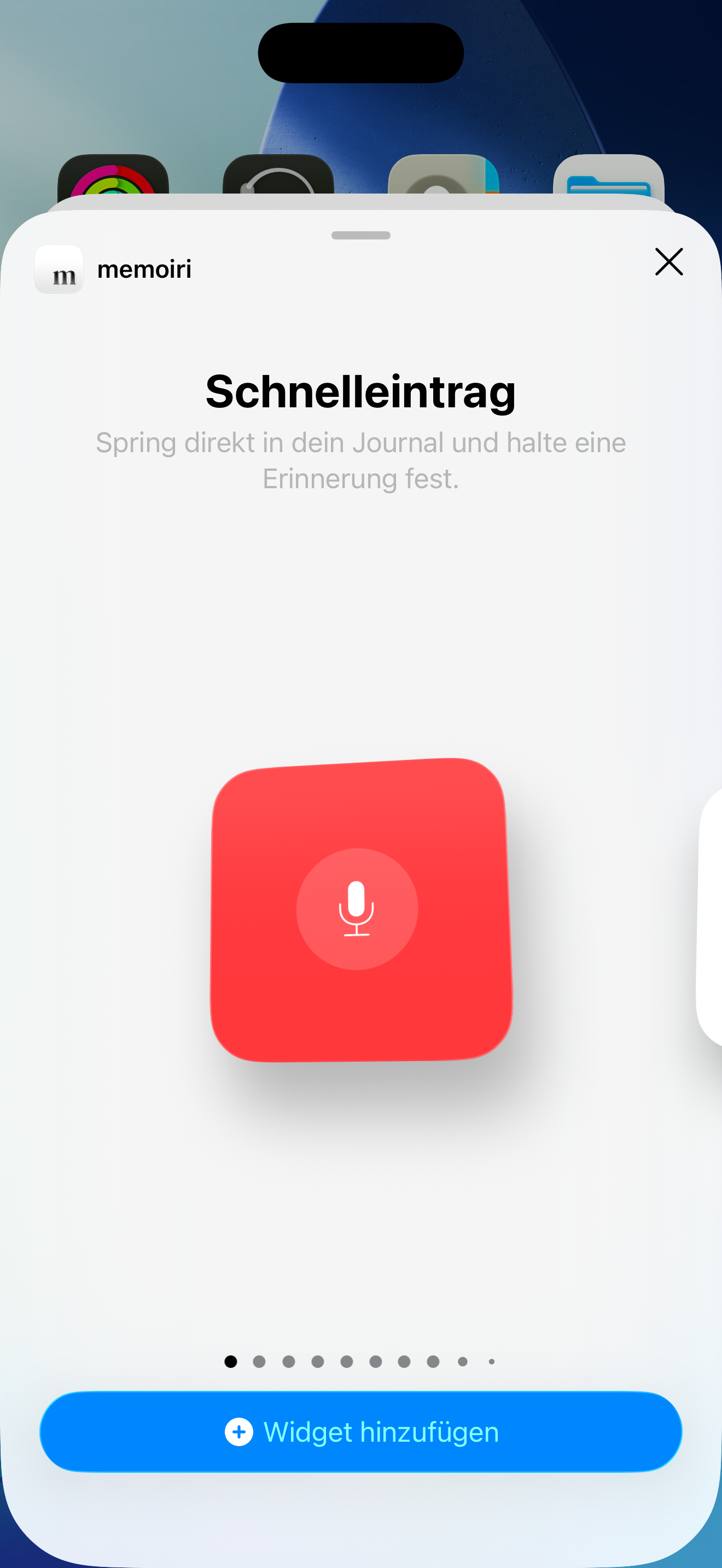
Different widgets have different jobs
The published widget set includes quick voice capture, mood check-ins, prompts, memories, streaks, journals, and weekly mood. The options depend on the widget size and whether you add it to the Home Screen or Lock Screen.
Some actions open the app and may require unlocking before private content or capture is available. See the app lock guide for the available privacy controls.
If the display looks old
Open memoir and check the underlying entry or journal first. System widget updates are scheduled by the device and may not refresh at the instant you save an entry.
Remove or change a widget if its visible information does not fit your privacy preferences. Apple Watch complications are configured separately.
Choose the information you want on display
Quick Entry opens voice capture. Open Journal uses a selected journal cover. Daily Inspiration opens the matching question in the prompt deck. Mood check-in, Weekly Mood, Streak and Journal Calendar provide other ways to capture or review a day.
On This Day and Recent Memory widgets can include excerpts or image previews. Review that content before putting them somewhere other people can see.
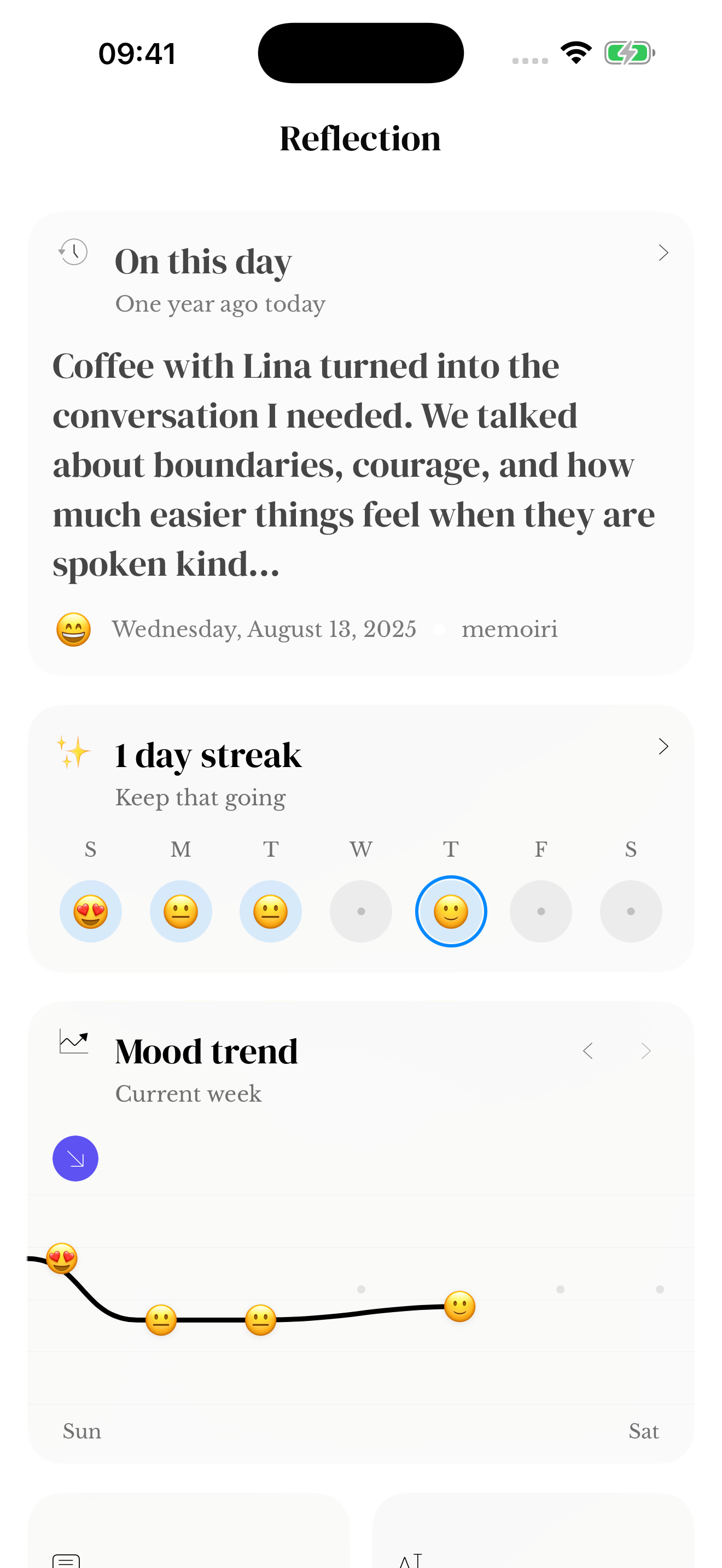
Screenshots use sample content. Labels and available controls can vary by app version and device.