

How to get started
- Open Reflection from the app’s navigation.
- Explore available memories, mood views, and writing activity.
- Open an entry when you want to read the full context or continue the thought.
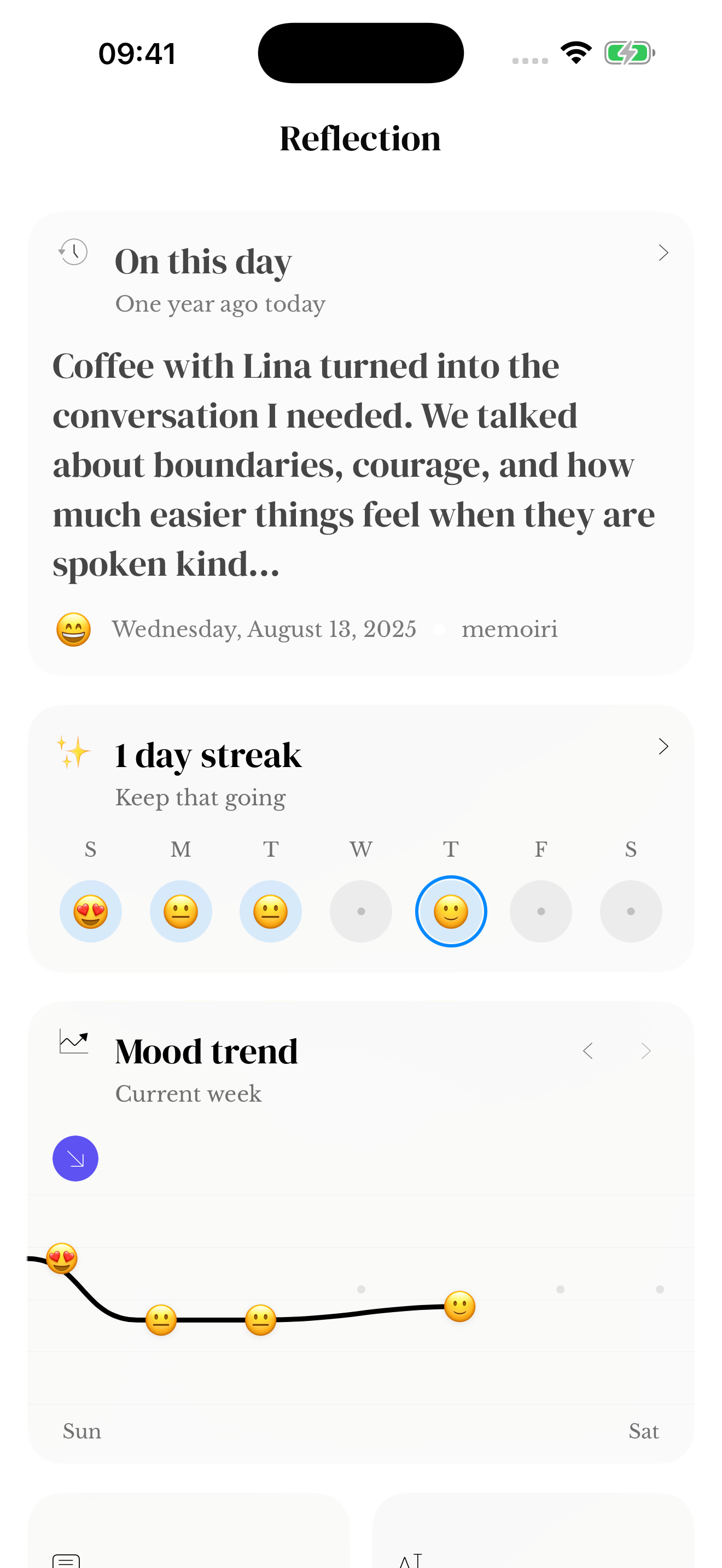
On This Day and writing activity
On This Day brings back memories associated with a calendar date when matching entries are available. A new or lightly used journal may have little to show at first.
Streaks and activity describe writing you recorded. They are not a measure of the quality of your life or your journal. Missing a day does not erase the value of earlier entries.
Learn how to record a mood or find a specific entry with Search when you want more context.
If a memory seems to be missing
What you see depends on your saved entries, the journals included, and the features available in your version or subscription. Check those before assuming a memory is missing.
Return to the original entry when you want to understand a memory in context. A summary or chart is one view of your writing, rather than a complete account of what a day meant.
Return to a date or a writing pattern
Open On This Day for a memory from a previous year, mood tracking for your recorded feelings, or streaks and activity for captured days.
People, place and theme summaries in supported versions can lead into Search. Open the matching entries before drawing conclusions from a summary.
Screenshots use sample content. Labels and available controls can vary by app version and device.