
A MEMORY FROM YOUR WRIST
A journal app for Apple Watch, for moments worth keeping
A thought arrives while your phone is in your pocket. Record it on Apple Watch, then return to the saved voice entry on your paired iPhone when you have time to listen or add context.

For Apple Watch with its paired iPhone. Listed as Memoiri on the App Store.

TRY IT NOW
Capture a memory from your wrist
Keep the first capture short, then confirm it on the paired iPhone.
Open Voice on Apple Watch
Grant microphone access and begin a short recording.
Say the detail before it disappears
Include the person, place or reason the moment mattered.
Check the paired iPhone
Confirm delivery, listen back and add context when you have time.
Speak before the detail disappears
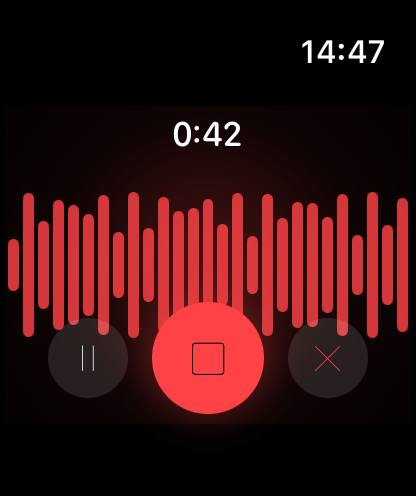
Open Voice on the Watch and record after granting microphone permission. Pause if needed, then use the stop control to finish a normal recording. Cancel discards it. Each Watch recording can last up to five minutes.
Voice capture is available without memoir+. For an interrupted or recovered recording, check the preview and available save controls before leaving it. See the Watch help guide for exact steps.
Choose a mood, write a line or answer a prompt
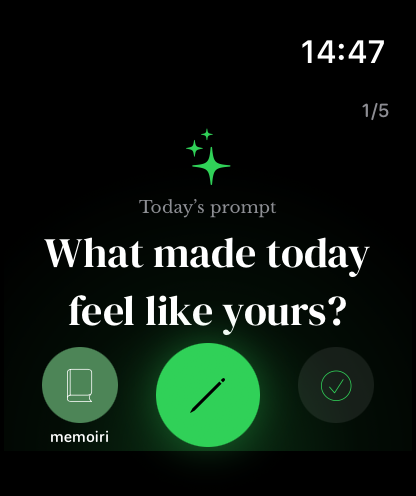
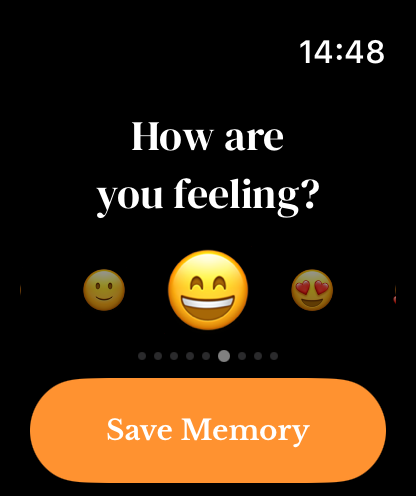
With memoir+, the companion also offers text, prompt and mood capture. Move between the pages with a swipe or the Digital Crown, and choose the destination journal before saving.
A mood can be a quick record of how the moment felt. You can add context later on iPhone rather than trying to explain everything on the small screen. Read about mood check-ins.
A companion to your iPhone journal
Install the companion through your paired iPhone and open memoir on both devices. After capturing on the Watch, check the destination journal on iPhone. A recording can wait in a queue until the devices can communicate.
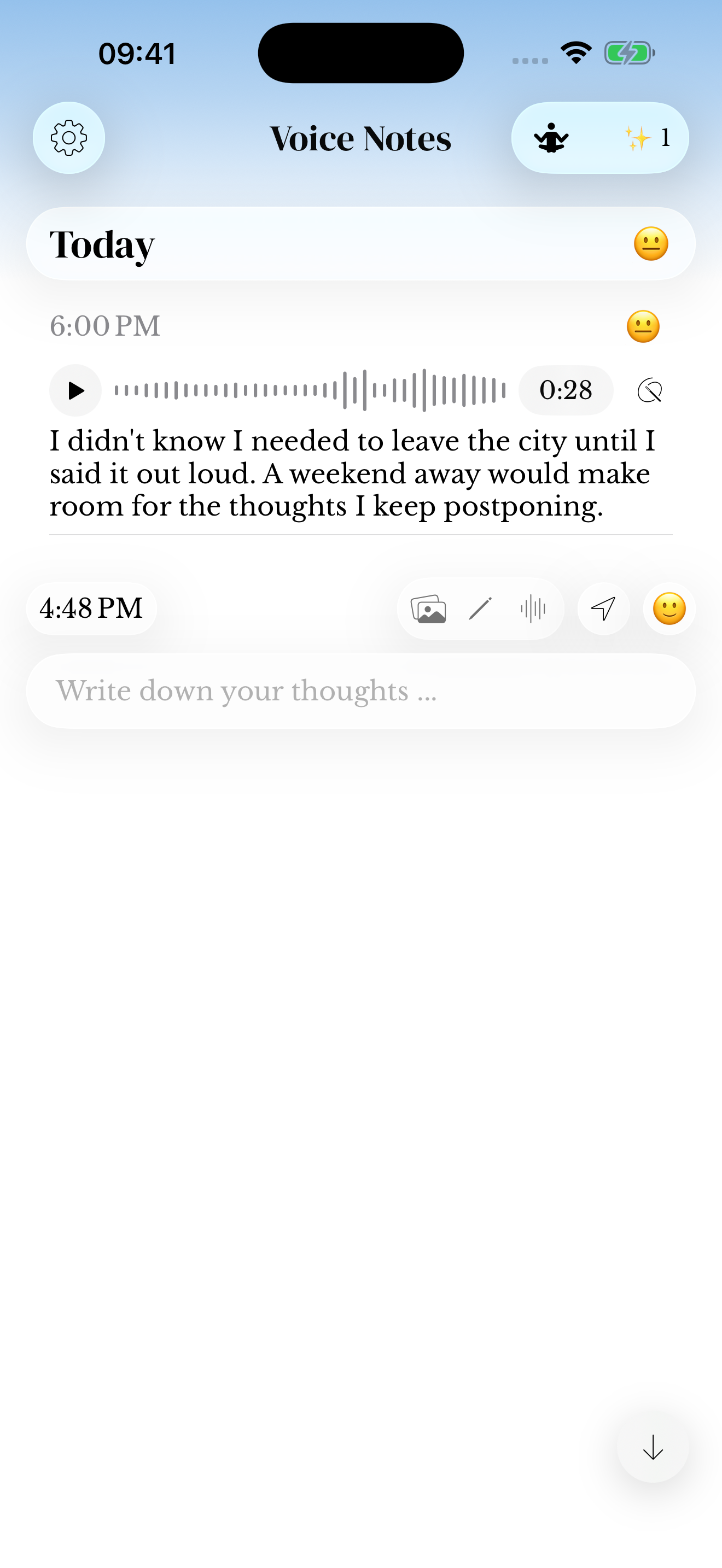
The phone screenshot shows a saved voice entry, the destination for a delivered recording. It is not a live transfer indicator. If your recording is missing, use Watch transfer help before removing the original.
A quick check-in now, a fuller journal later
Watch Summary and Reflection offer a compact look at captures, streaks and recorded moods. Open the phone journal when you want to read the entries behind those summaries.
The companion also offers manual Focus Time controls. Compatible watch-face complications provide shortcuts such as Voice Entry, Mood Check-in and Daily Prompt. Choose the shortcut that fits what you actually capture.
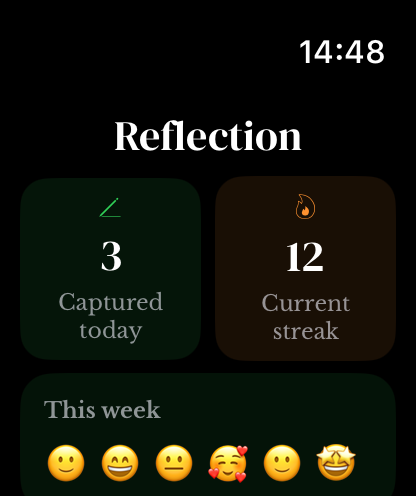
Would this fit your routine?
The Watch workflow is useful when you want a brief capture during a pause in your day. A longer writing or editing session belongs on iPhone or iPad. The companion requires a compatible paired iPhone; this is not a standalone Watch library or web editor.
Start with one short voice memory and check its arrival on iPhone. If that fits your day, explore the memoir+ prompt, text and mood options. For recording and transcript choices across devices, see the voice journal overview.
Questions before you start
Can I record a journal entry on Apple Watch?
Yes. Open Voice in the memoir Apple Watch companion, record for up to five minutes and finish the recording. Confirm that it reaches the selected journal on the paired iPhone.
Does Apple Watch journaling work without the iPhone?
The companion can capture a short entry from your wrist, but it belongs to the paired iPhone journal and may wait for the devices to reconnect. It is not a standalone Watch library.
Can I type a full journal entry on Apple Watch?
The companion is designed for brief capture. Text, prompts and moods are available with memoir+, while longer writing and editing are better suited to iPhone or iPad.
What happens if a Watch recording is still pending?
Keep the recording on the Watch, bring the devices together and open memoir on both. Follow Watch transfer help before removing the original.
Can I use voice capture without memoir+?
Yes. Voice recording on Apple Watch is available without memoir+. Current plan details and optional Watch features are explained in memoir+ help.