

How to get started
- Open memoir on the paired iPhone and keep the Watch nearby.
- Check the Watch’s Sync view for pending items, delivery history and available retry actions.
- On iPhone, open Settings → Apple Watch to review pairing, installation, reachability and pending transfers.
- Check the destination journal on iPhone. A larger voice recording may arrive later than a short text or mood entry.
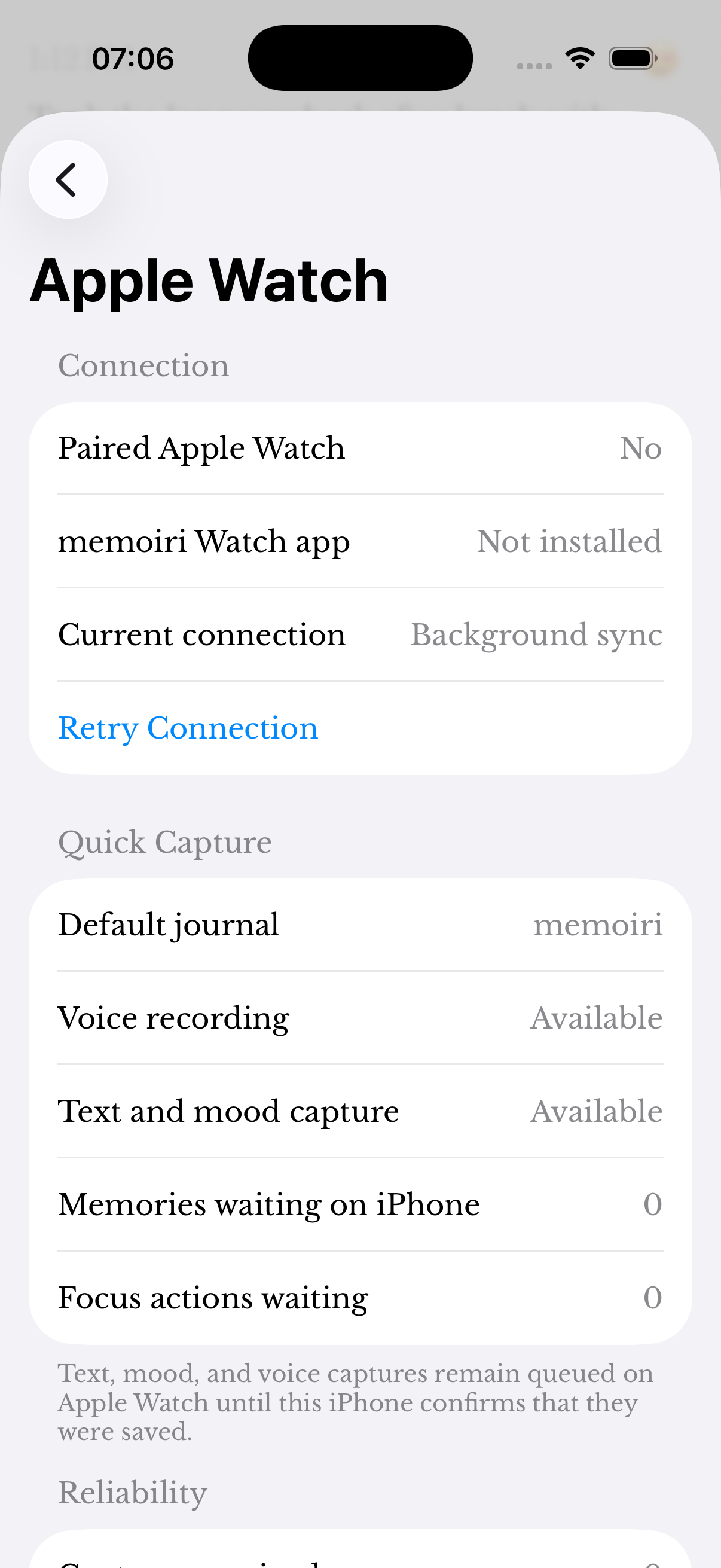
Pending does not mean delivered
Wait for a completed delivery state before assuming the iPhone has the only copy. Watch capture and command queues retry delivery and track acknowledgements from the phone.
Keep the original capture while investigating. Do not erase or reinstall the Watch app as your first troubleshooting step.
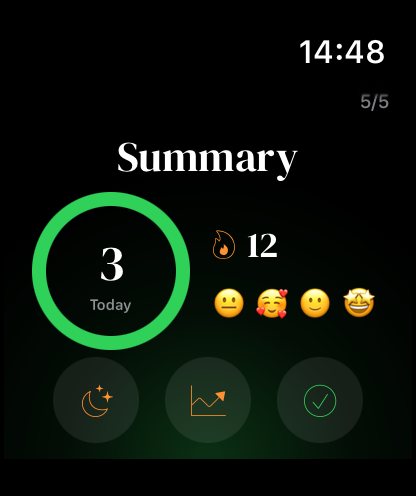
The right journal and the right device
Review the Watch’s selected journal and the default-journal behavior in the iPhone Apple Watch settings. Text, prompt and mood capture may need memoir+; Watch voice recording is available without it.
Watch companion transfer is separate from optional iCloud Sync. The paired iPhone receives the Watch capture before your other synced devices can receive the saved entry.
What to send support
Include the Watch and iPhone models, system versions, memoir version, capture type and the status shown in Sync. Mention whether a retry changes the status.
Do not send journal text, recordings or diagnostic screenshots containing private details unless you have deliberately reviewed and chosen them.
Screenshots use sample content. Labels and available controls can vary by app version and device.