

How to get started
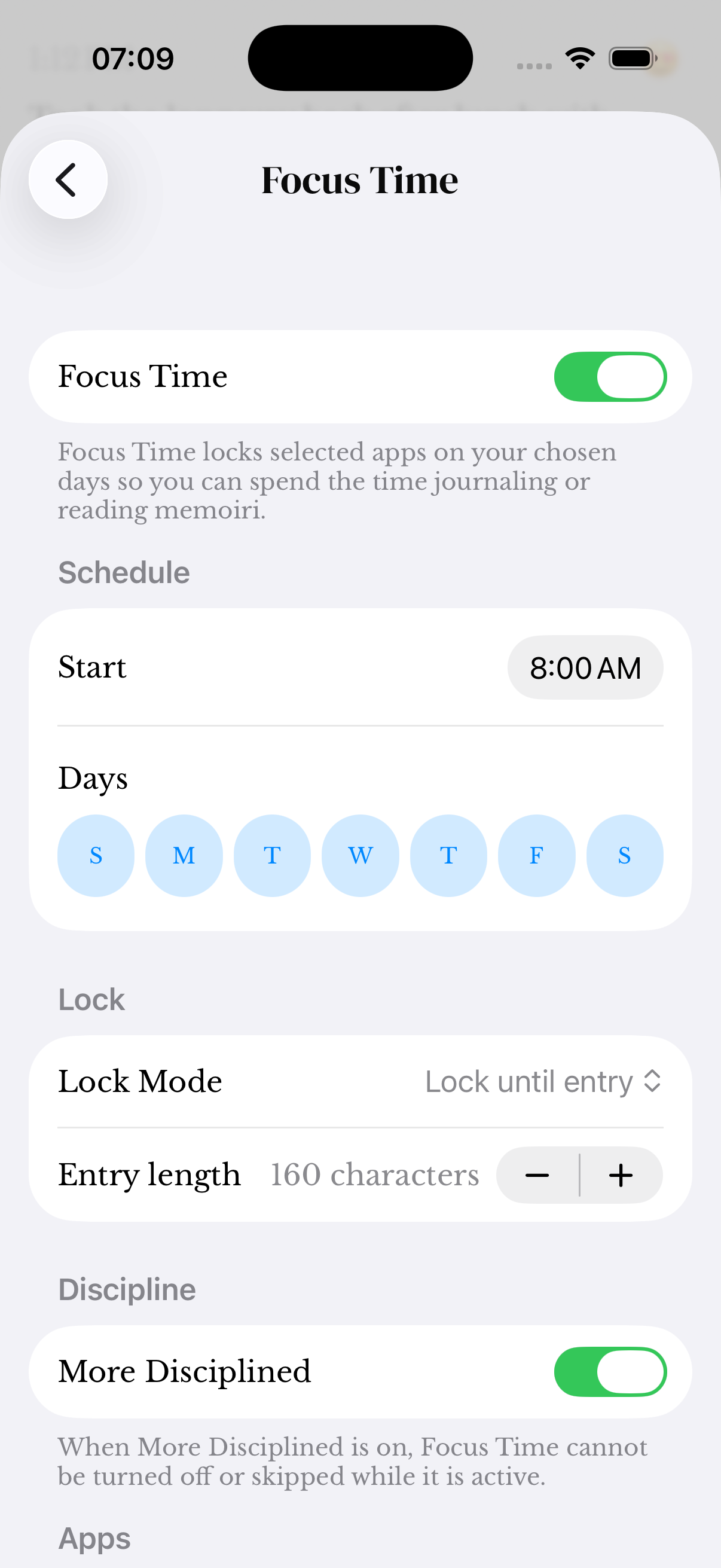
- Open memoir on your paired iPhone and review Focus Time first.
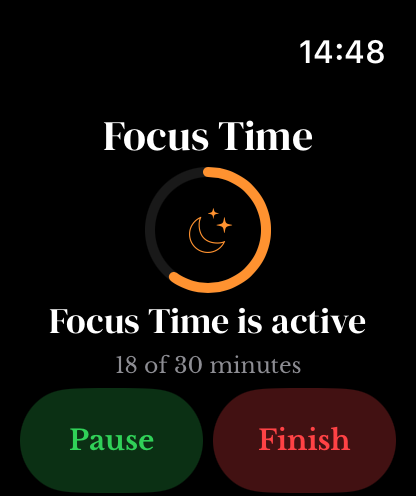
- On the Watch, go to Summary and open Focus Time.
- Use the available start, pause, resume or finish action for the session.
- Wait for confirmation of the updated state. If a command remains pending, check the connection and sync status.
Manual sessions and strict schedules
Watch controls do not override More Disciplined restrictions on an active scheduled Focus Time. Review the schedule and discipline settings on iPhone if a control is unavailable.
A queued command is not confirmation that a session has changed. Keep both devices available and check the iPhone session before sending repeated commands.
A shortcut on the watch face
The Focus Time complication opens the Watch’s Focus experience and can show session status. Add it through a compatible watch face’s complication controls.
For entries or commands that remain pending, use Watch transfer troubleshooting.
Screenshots use sample content. Labels and available controls can vary by app version and device.