

How to get started
- Open the app’s memoir+ or subscription screen.
- Review the features and terms shown before choosing a purchase.
- If you already purchased access, use Restore Purchases with the Apple account used for that purchase.
What the upgrade covers
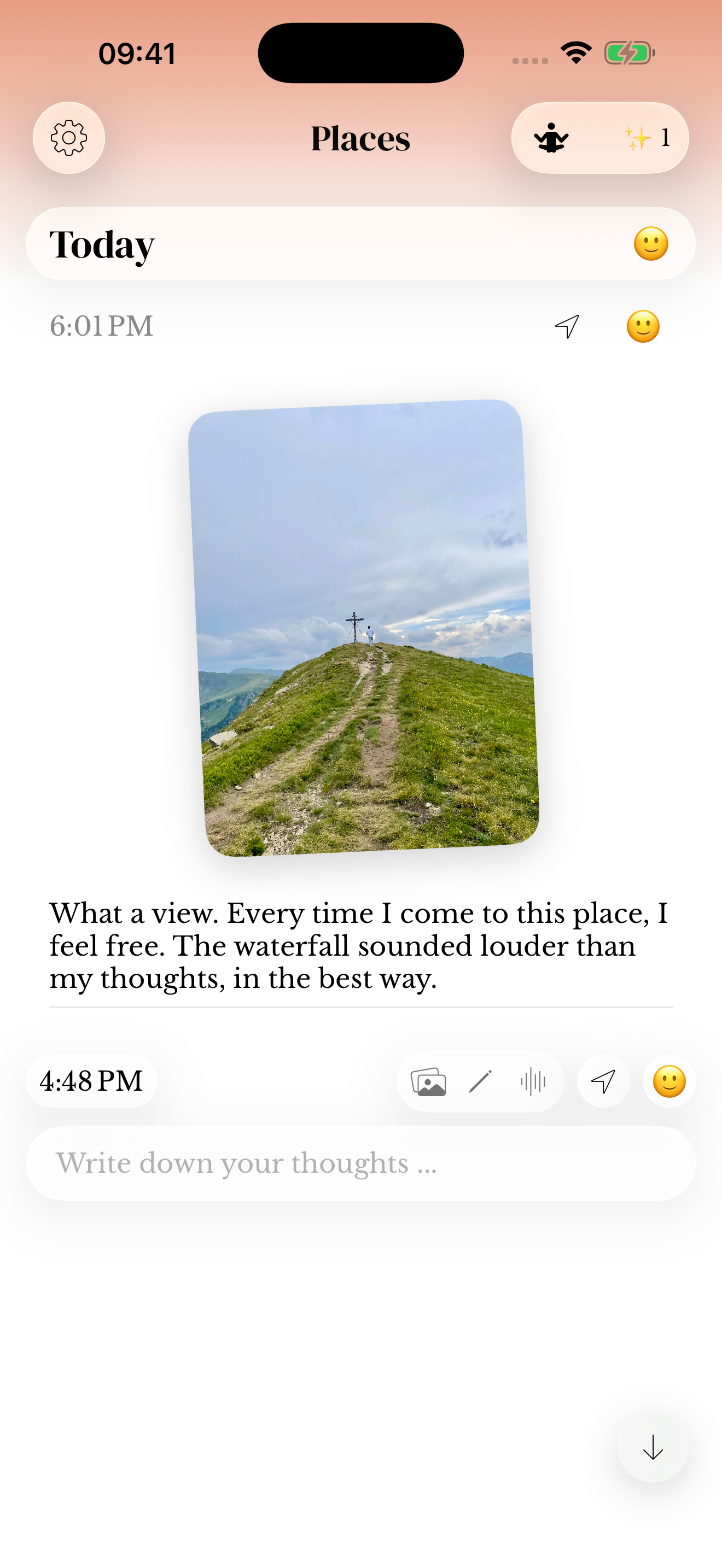
The current feature presentation includes photo-rich entries, writing styles, prompt customization, deeper reflection, and optional iCloud Sync. Availability can depend on the app version and purchase offering.
Voice entries, including audio-only submission and Watch recording, are available without memoir+. Saving photos, stickers and sketches requires the upgrade. Review the installed app’s purchase screen for its current offering.
Purchases and account questions
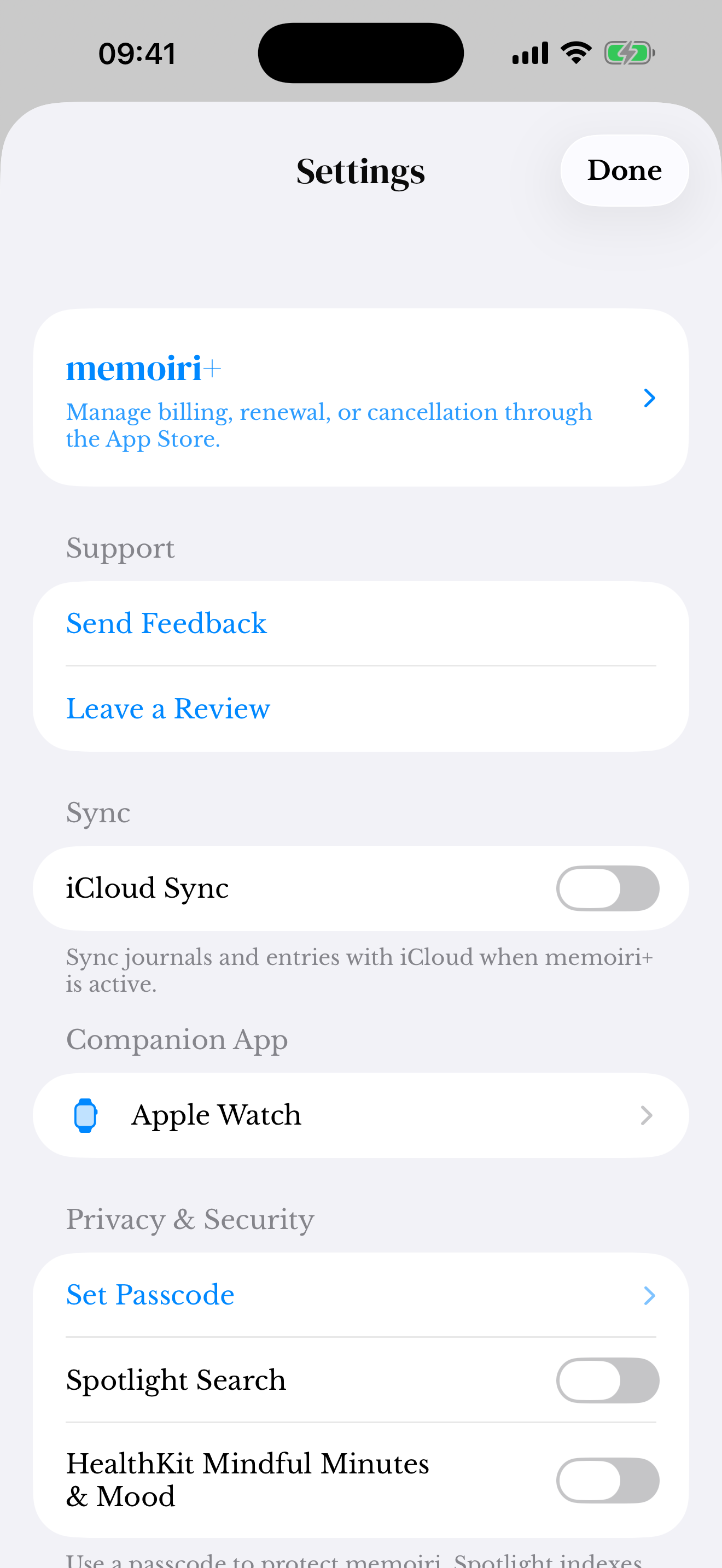
Apple handles App Store purchases. Review your subscription in the Apple account’s subscription settings when you want to manage renewal. Removing the app is not the same as managing a subscription.
If restoring does not work, check the purchase account and contact support with the app version and the access problem. Do not send payment details, passwords, or a private journal backup.
Screenshots use sample content. Labels and available controls can vary by app version and device.