

How to get started
- Use the mood action in the composer or a supported quick check-in.
- Select a mood and save the entry. Add words if you want to explain what was happening.
- Open Reflection to revisit your recorded moods over time.
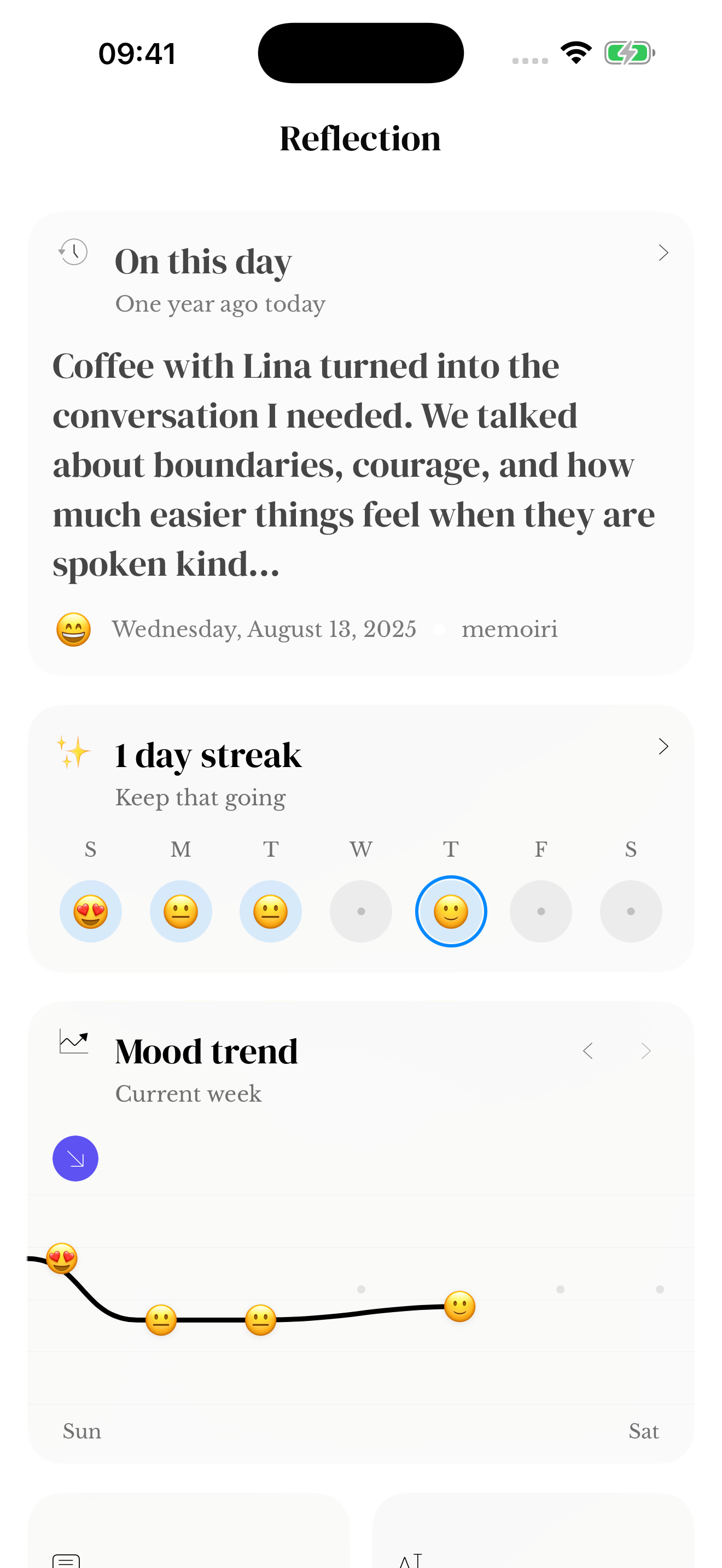
A record, not a diagnosis
A mood label describes what you chose to record at a particular moment. It is not a clinical assessment, and a chart cannot explain everything that contributed to how you felt.
Unrecorded days should not be interpreted as neutral days. Consider how often you logged an entry before drawing conclusions from a pattern.
Connect the feeling with its context
Return to the entries around a mood change to remember what was happening. You may want to write what helped, what felt difficult, or what remained uncertain.
The free website mood calendar is a separate browser tool. It does not read your app moods or save its marks into memoir.
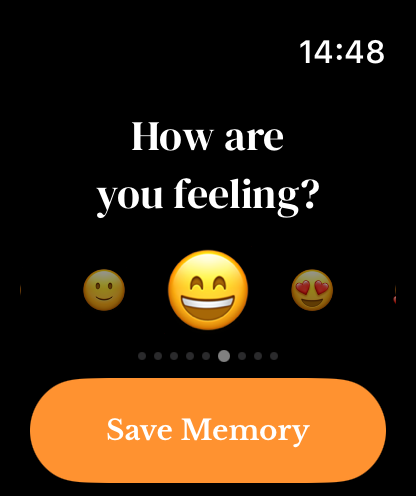
A check-in from your wrist
Apple Watch has a mood carousel with touch and Crown selection. Tap Save Memory to submit the selected mood to its journal, then allow the companion transfer to complete.
A mood widget provides another shortcut on iPhone; it can wait for app unlock before saving.
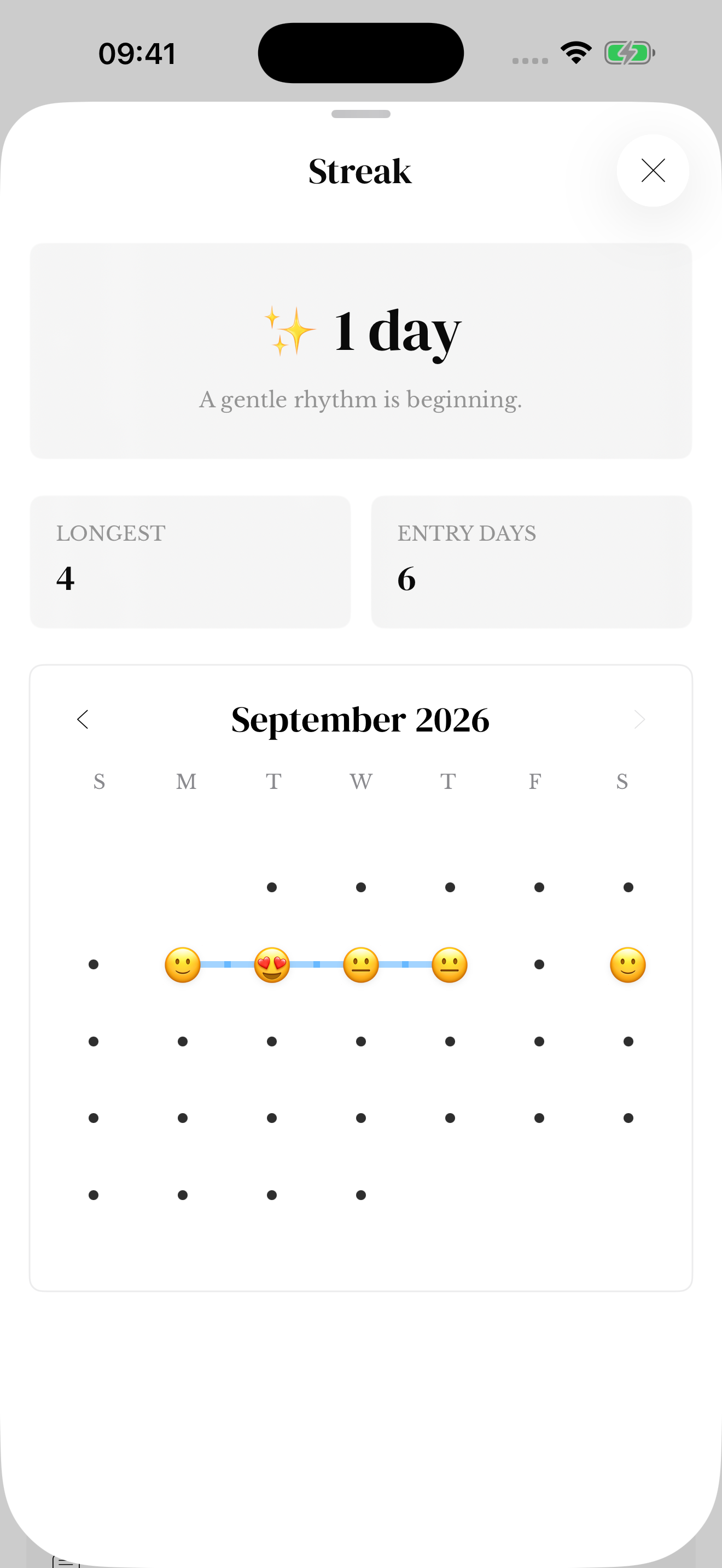
Read your moods across a month
The expanded Streak sheet includes a monthly calendar with mood emoji for dates with recorded moods. When a day has several check-ins, its calendar emoji summarizes them. Your saved entries keep the individual moods and their context.
See streak and calendar help for month navigation and counts. A calendar day without a logged mood is not evidence that you felt neutral.
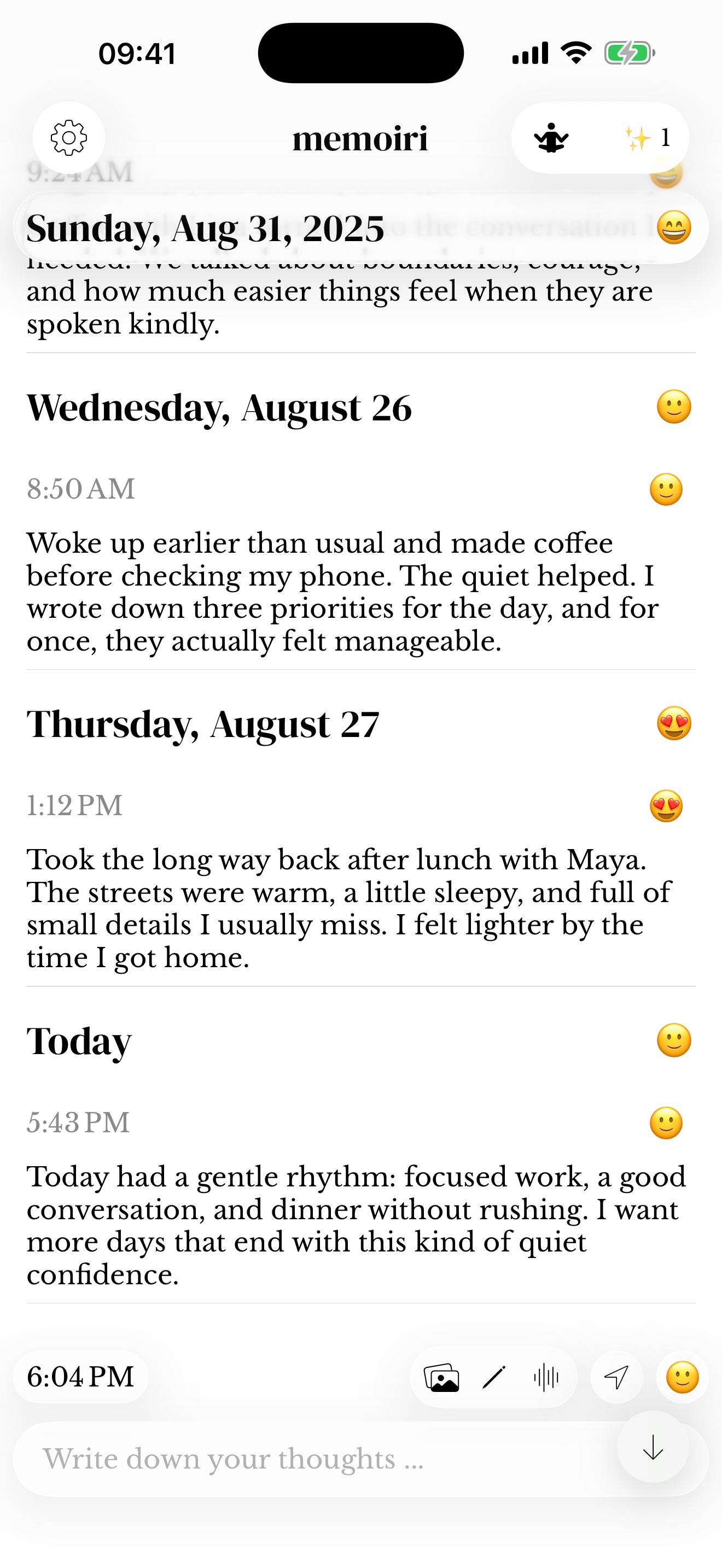
Screenshots use sample content. Labels and available controls can vary by app version and device.