

How to get started
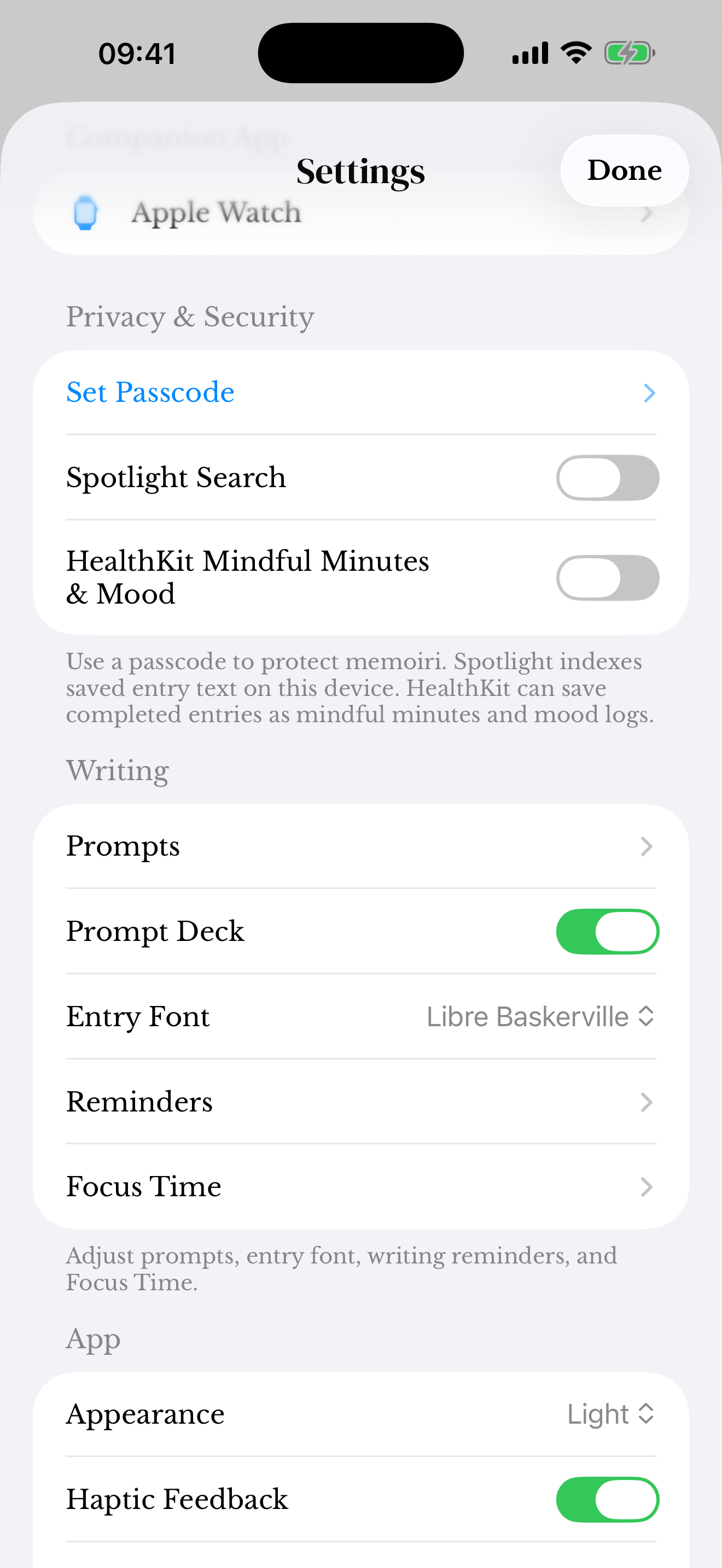
- Open Settings → Privacy & Security → Set Passcode.
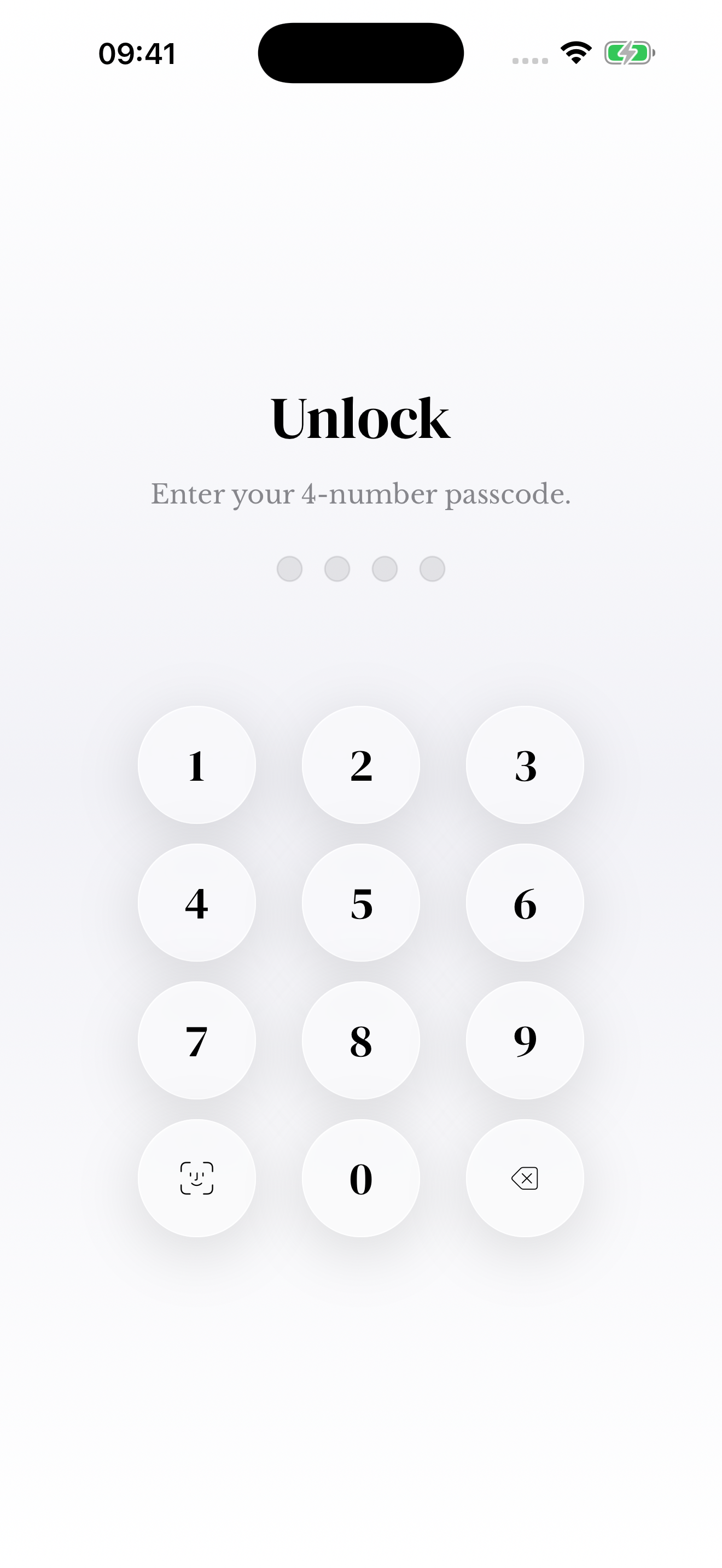
- Choose and confirm the passcode using the app’s setup flow.
- After setup, review Device Authentication for Unlock if it is available on your device.
Understand what the lock does
The app lock controls access through memoir. It does not replace your device security or remove private content from files you have already exported or deliberately shared.
Review widgets, notifications, and optional Spotlight settings if you want to limit journal information visible outside the main app.
Keep control of your data
Optional iCloud Sync uses your personal iCloud account. You can read the website privacy policy for the current explanation of storage, permissions, and contact details.
If you cannot unlock the app, contact support before deleting it or clearing data. Do not send your passcode or private entries by email.
Screenshots use sample content. Labels and available controls can vary by app version and device.