

How to get started
- Confirm you are signed into the intended Apple account on each device.
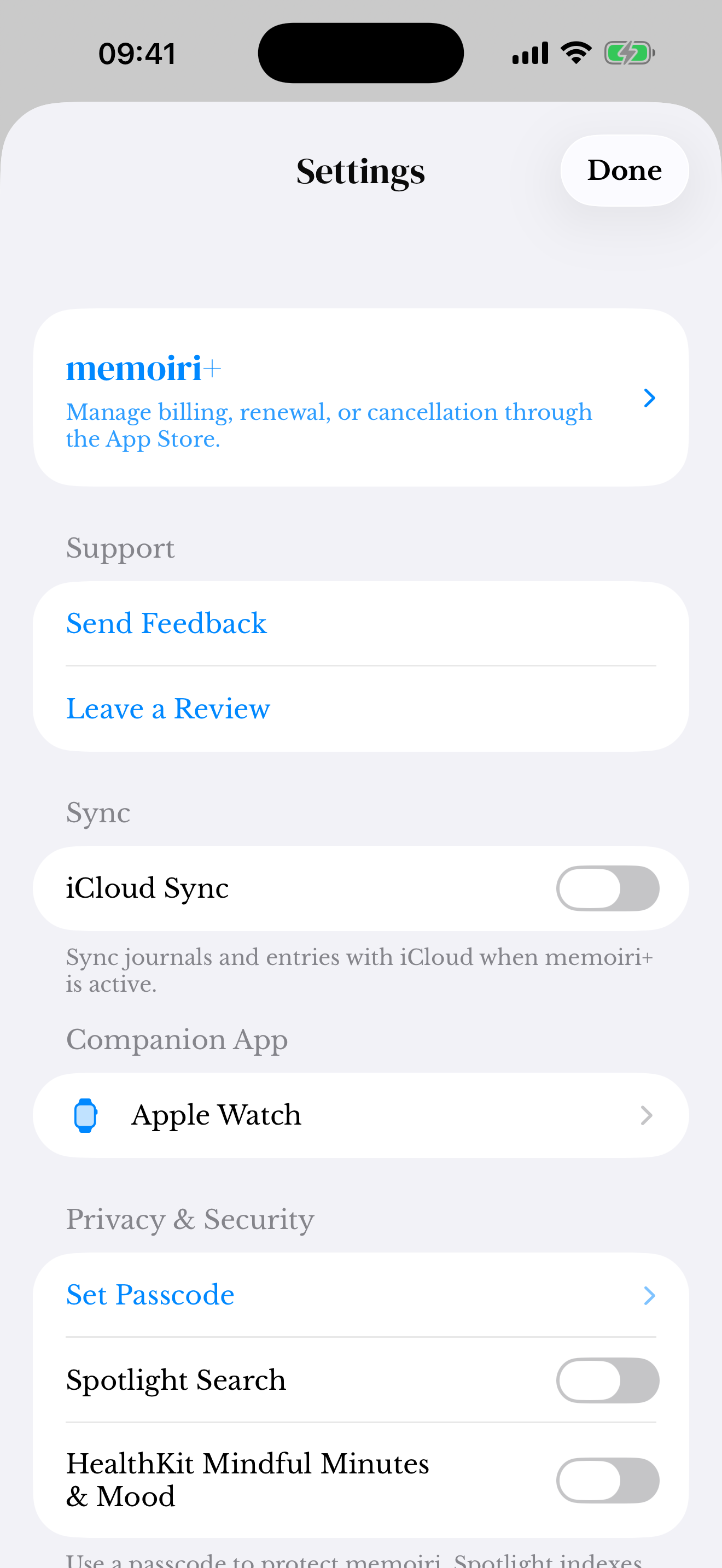
- In memoir Settings, review the iCloud Sync option and your memoir+ access.
- Enable sync on the devices you want to use and allow time for entries and attachments to transfer.
When a memory has not arrived
Check the Apple account, network connection, available iCloud storage, and the sync setting on both devices. Photos or recordings may need longer than text to transfer.
Keep the original entries and attachments while you investigate. Deleting and reinstalling the app is not a safe first troubleshooting step for a locally stored journal.
Sync is different from a backup
Sync carries changes between connected devices, including changes you may later want to undo. Keep a separate backup for that reason.
Export a separate memoir backup before major library changes and keep it in a location you control. The website’s tools do not participate in iCloud Sync.
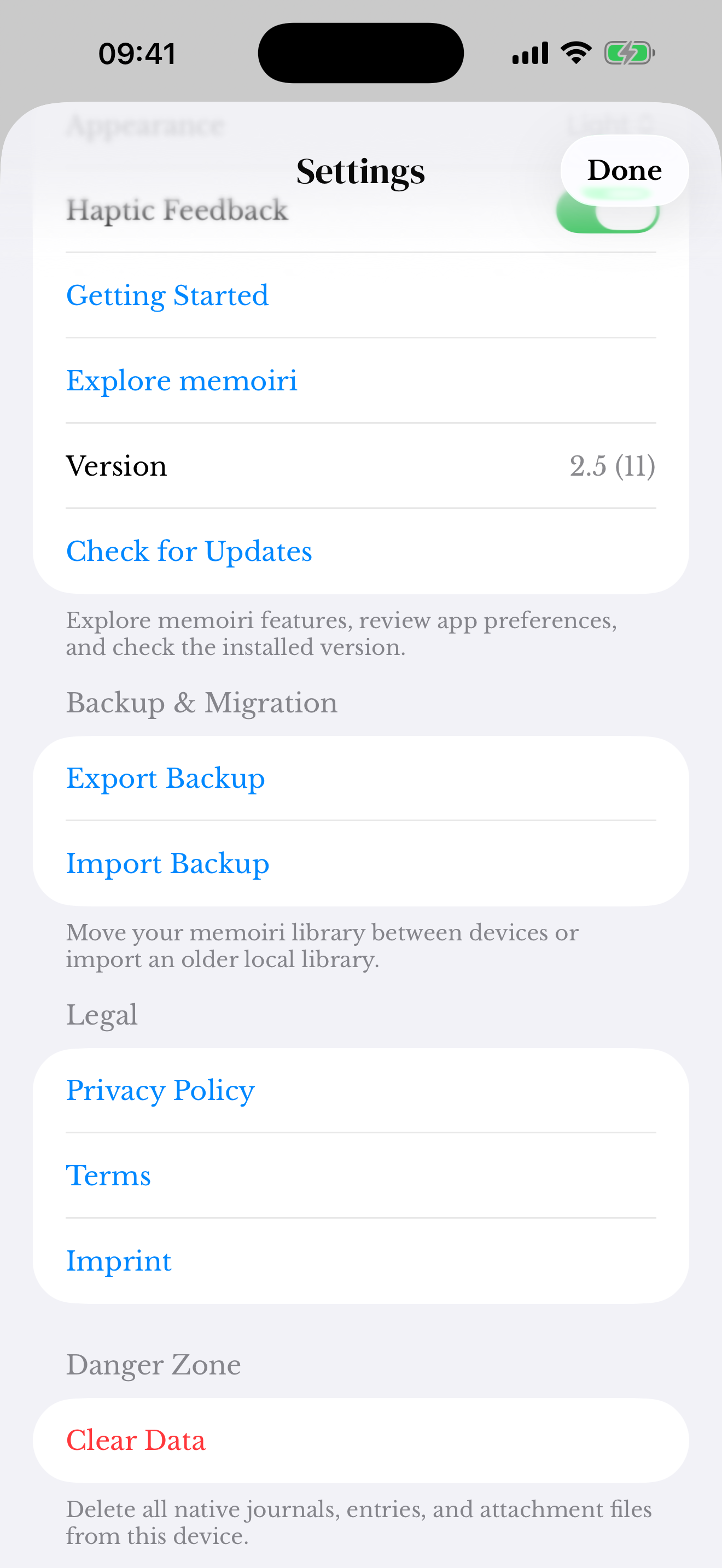
Screenshots use sample content. Labels and available controls can vary by app version and device.