

How to get started
- Open Settings → Privacy & Security.
- Review Spotlight Search before enabling system indexing of saved entry text.
- Review HealthKit Mindful Minutes & Mood and the permissions requested by the device.
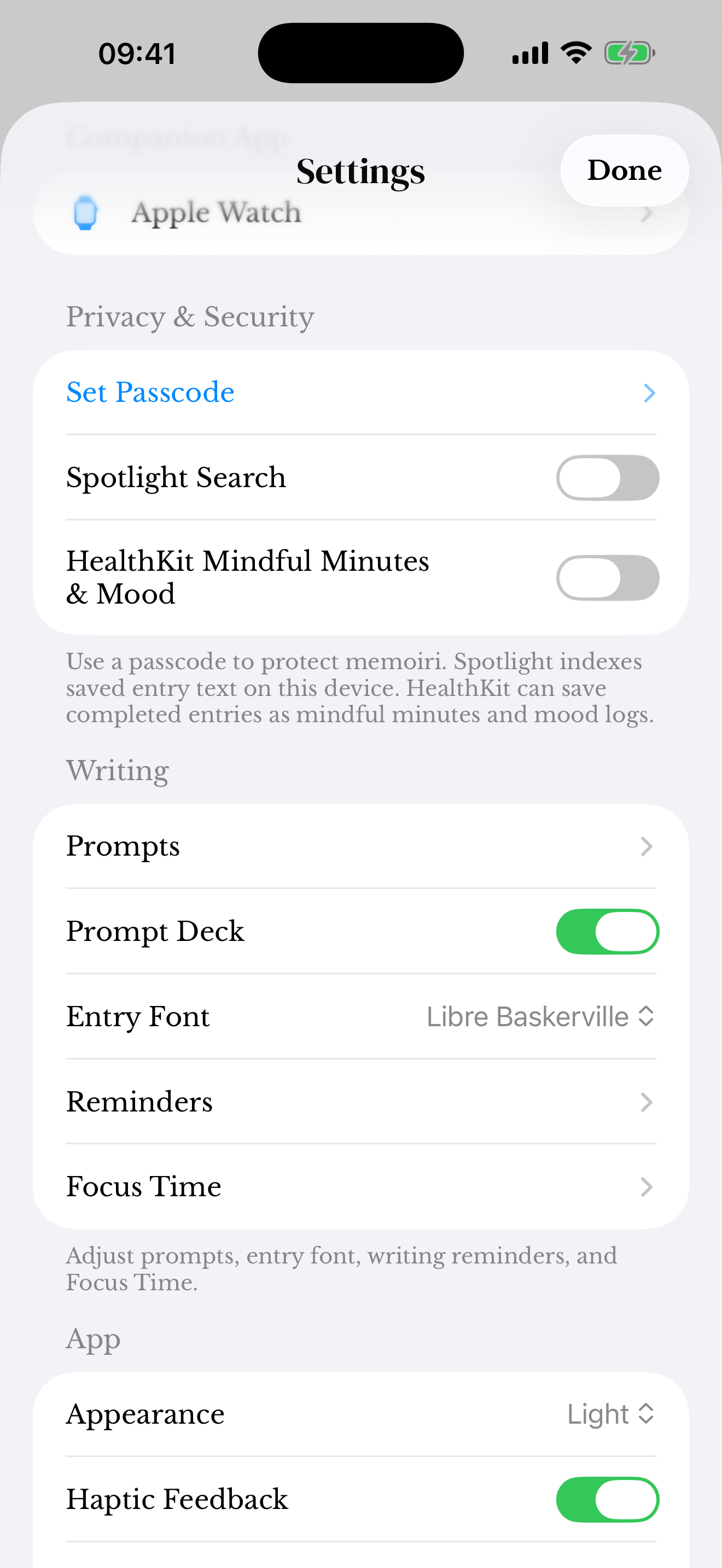
Spotlight Search
When enabled, Spotlight indexing can make saved entry text discoverable through device search. Consider who can use your device’s search before enabling it for private writing.
The Search screen inside memoir remains a separate way to find your entries. You do not need to enable every system integration to keep a journal.
HealthKit
The setting can save supported completed-entry activity as mindful minutes and mood logs with your permission. Review the specific access granted in the system’s health/privacy controls.
These records do not turn memoir into a medical assessment. Turning off a future-write permission should not be assumed to erase records previously saved to another system; review those records there.
Check a saved entry first
These integrations use supported saved activity. An unsent draft is not the same as a completed journal entry. Keep in-app Search and system Spotlight indexing separate when checking where something appears.
For a writing session’s own controls, use Focus Time.
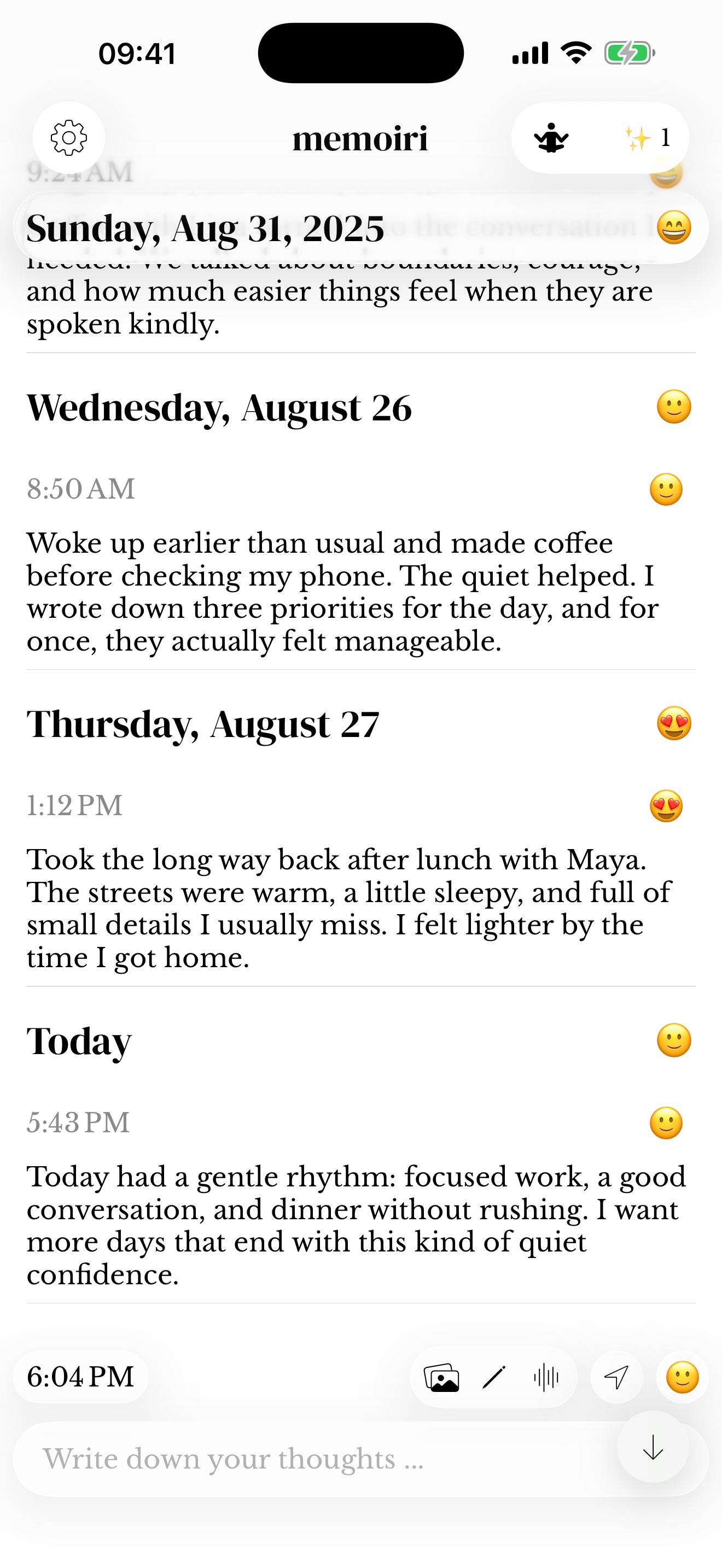
Screenshots use sample content. Labels and available controls can vary by app version and device.