

How to get started
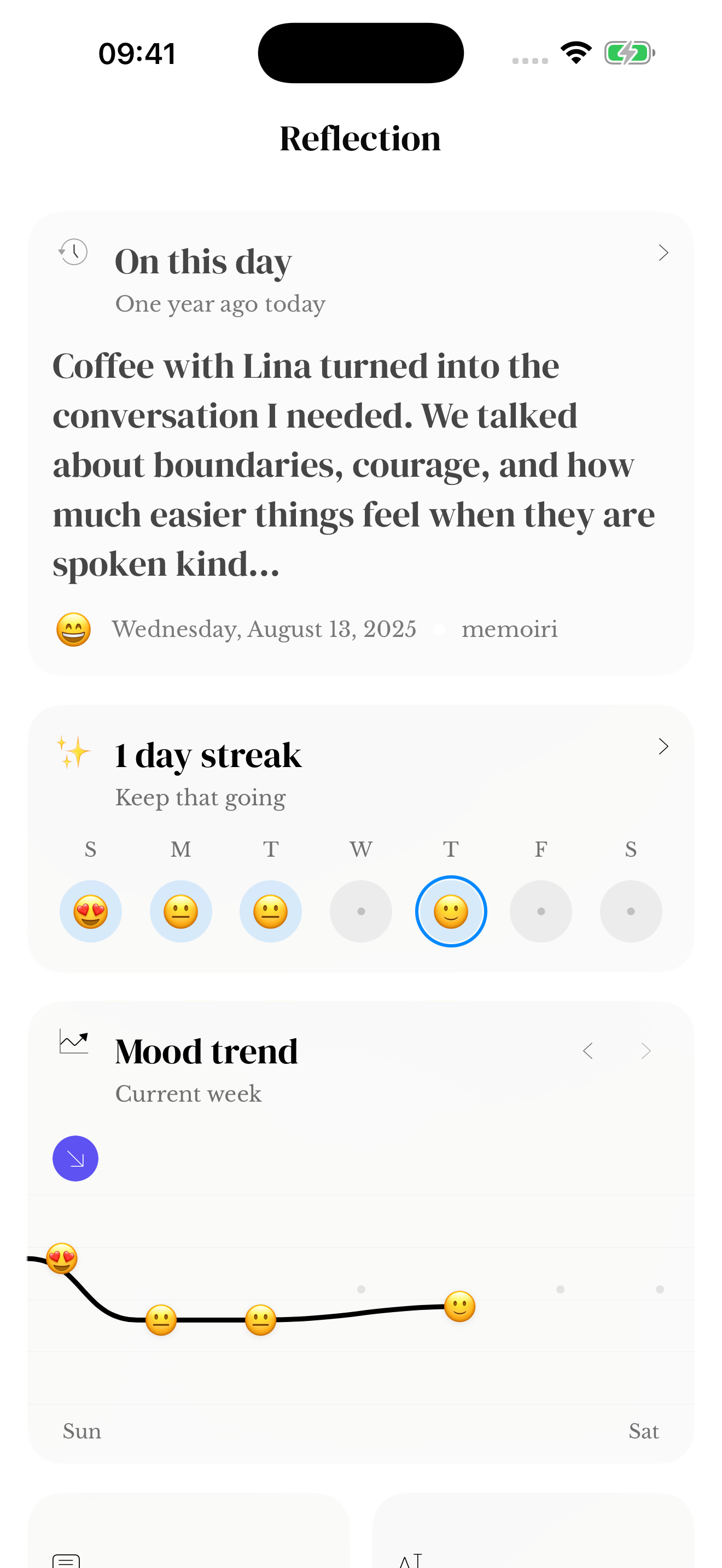
- Open Reflection and find On This Day.
- Read the displayed date and preview to see which memory has resurfaced.
- Open the memory to read the full saved entry.
- If you want to add a thought now, write a new entry and leave the original memory intact.
Why the section may be empty
You need saved memories from a matching calendar date in an earlier year. A new journal may not have any yet. Check the journals included in Reflection if you expect an older entry to appear.
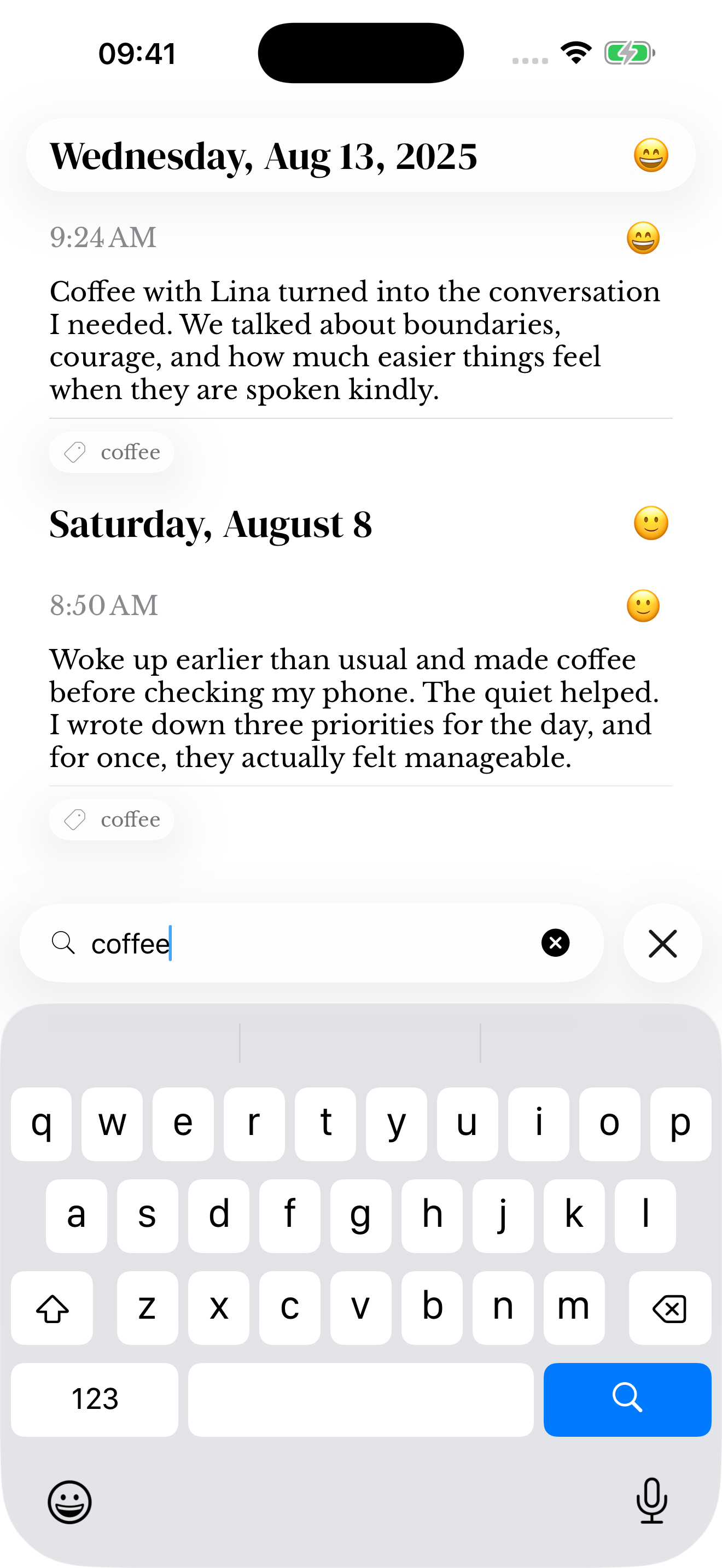
Use Search to find a memory by words or date instead of waiting for its anniversary.
Reading the original matters
A preview can leave out part of a longer entry. Open the source to see its full writing and attachments. If its timestamp is wrong, use the date and time guide to correct it.
The On This Day widget is a separate way to surface a memory outside the app; choose it only if you are comfortable with that preview being visible.
Screenshots use sample content. Labels and available controls can vary by app version and device.