

How to get started
- Open your journal and capture an entry normally when offline.
- Keep enough device storage for photos, sketches, and recordings.
- Reconnect when you want optional online transfers to complete.
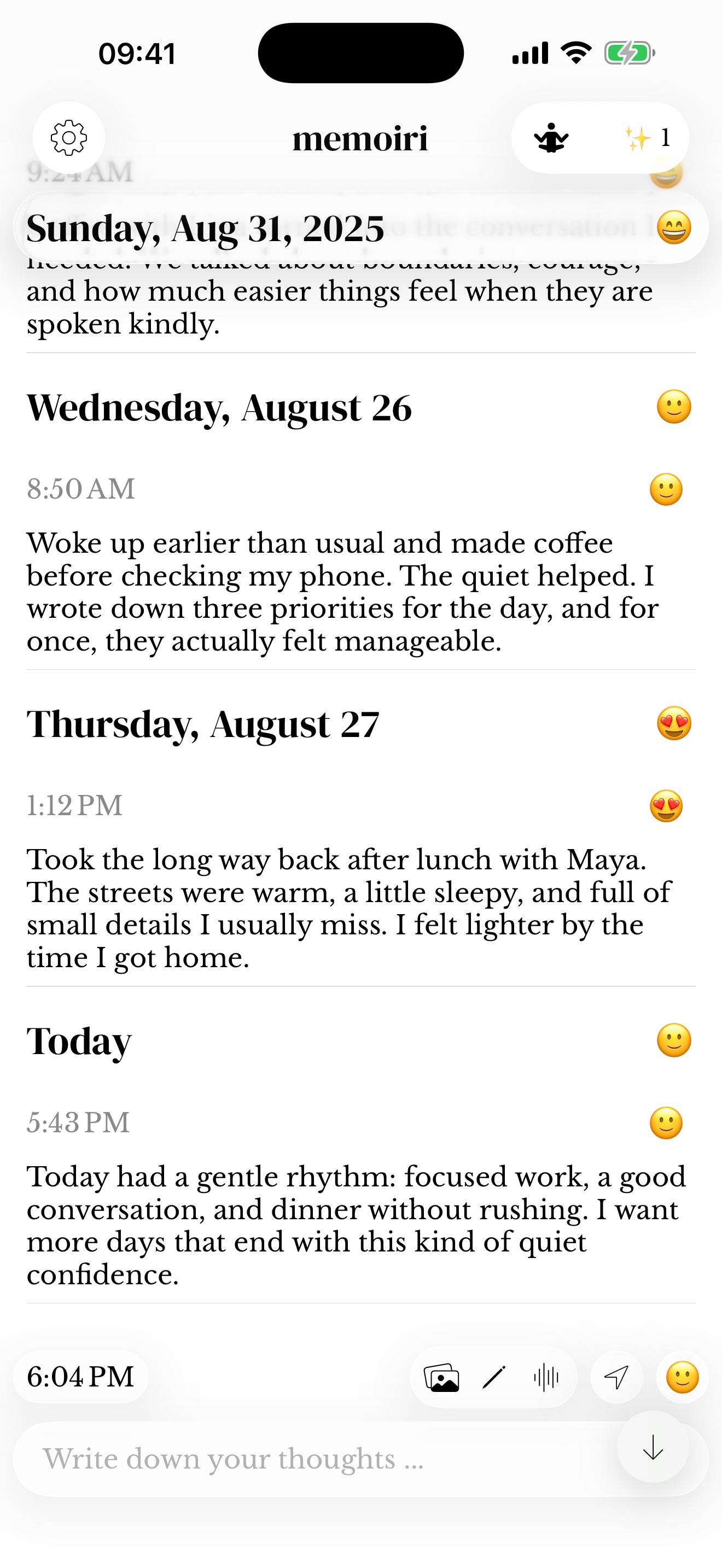
Local data and device changes
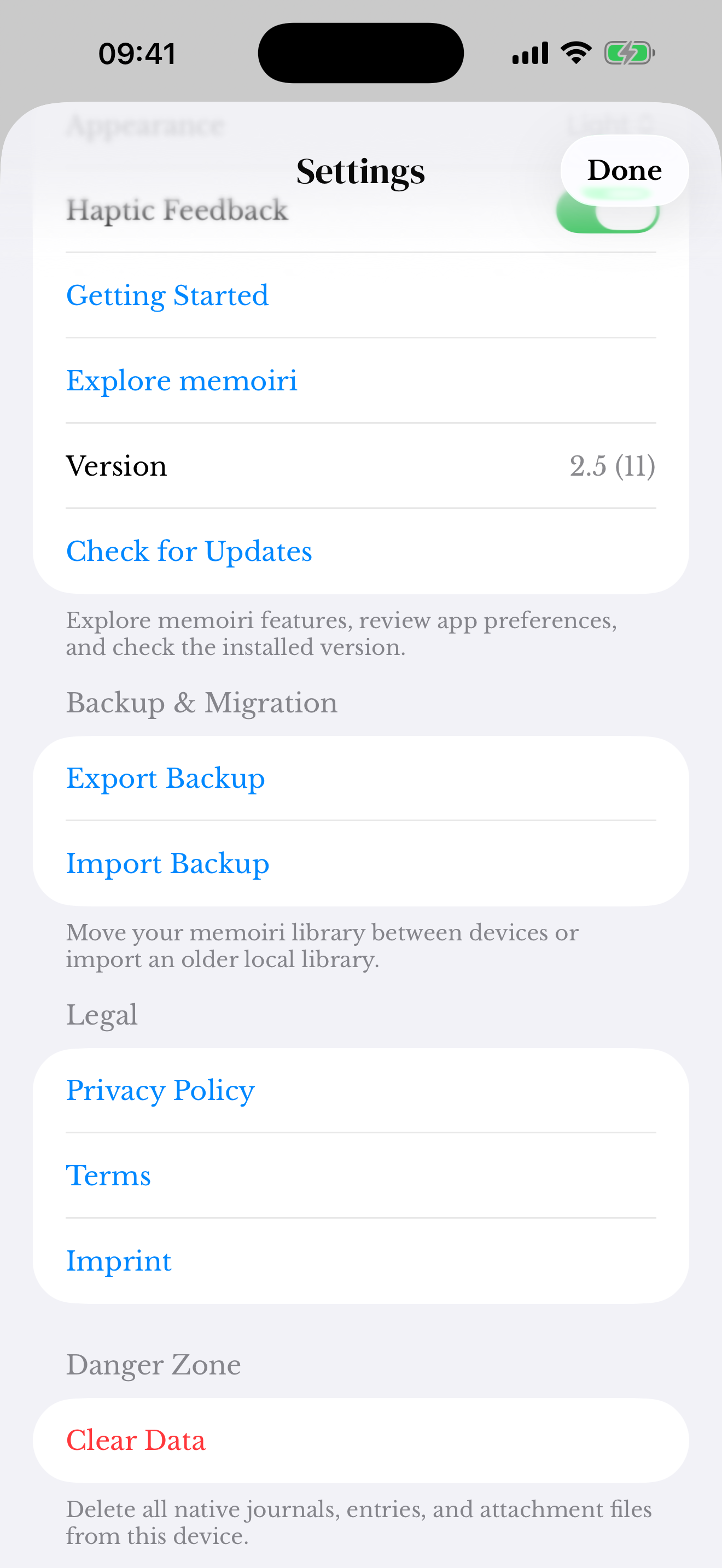
A locally saved entry is not automatically a separate backup. Before removing the app, clearing data, or changing devices, export a backup and confirm what is stored elsewhere.
Do not assume that enabling iCloud on the device means memoir’s own iCloud Sync option is enabled. Check the setting in the app.
If storage is running low
Large recordings and images can use more space than text. Keep a complete backup before deleting memories you may want later.
Contact support if the app cannot save or open a memory. Include the device, system and app versions, and available storage, without attaching private entries unless you deliberately choose to share a reviewed example.
Screenshots use sample content. Labels and available controls can vary by app version and device.