

How to get started
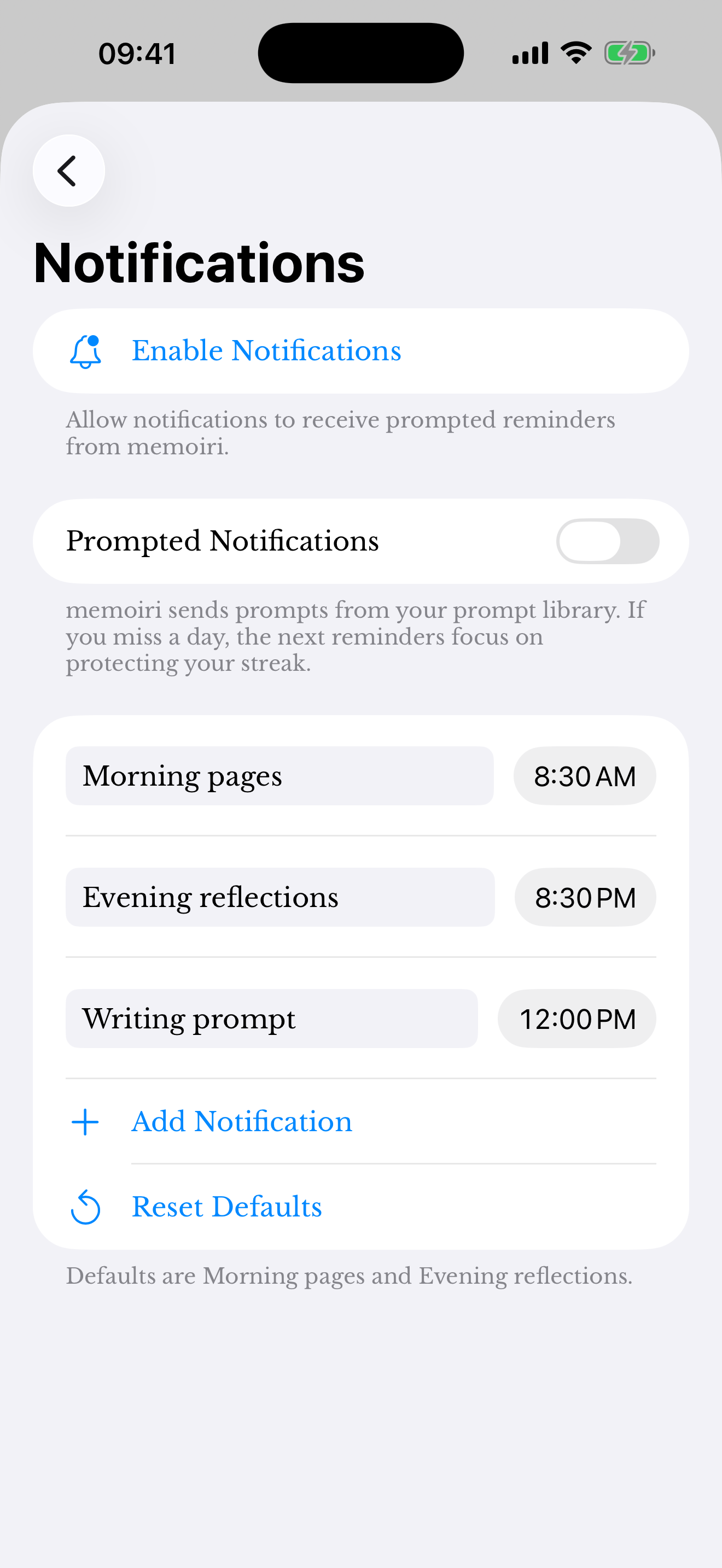
- Open Settings → Writing → Reminders.
- Review prompted notifications and the available reminder times.
- Allow notifications in the device settings if you want them delivered.
If a reminder does not appear
Check both the app’s reminder setting and the device’s notification permission. System Focus settings and notification delivery preferences can affect when alerts are shown.
Review the selected times and your device’s time zone after travel. A scheduled reminder cannot guarantee that you will notice an alert at the exact moment.
Keep reminders comfortable
Reduce the number of reminders or turn them off if they become distracting. You can continue using the journal with no notifications.
Writing reminders and Focus Time sessions have different purposes. Use the Focus guide when you want a dedicated session rather than a simple nudge.
Screenshots use sample content. Labels and available controls can vary by app version and device.