

How to get started
- Open Settings → Writing to review Entry Font.
- Open the App section to review Appearance.
- Adjust Haptic Feedback if you want to change tactile responses.
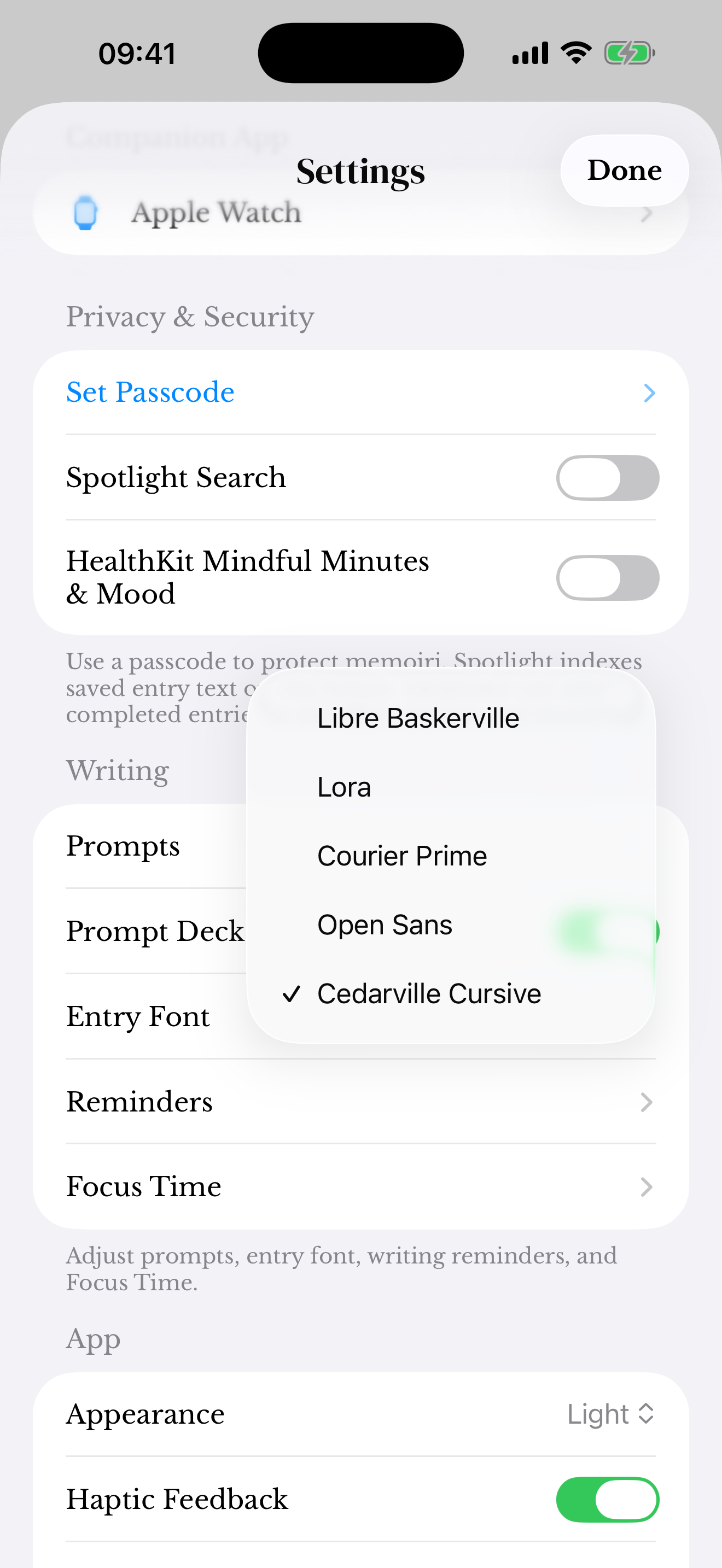
Writing and display preferences
Entry font changes how writing is presented; it does not rewrite the words in a saved entry. Appearance affects the app’s light, dark, or system-following presentation where those choices are available.
Some personalization choices require memoir+. The app shows access information when you select a locked option.
Try your preferred font while writing an entry, then check how it reads in the timeline.
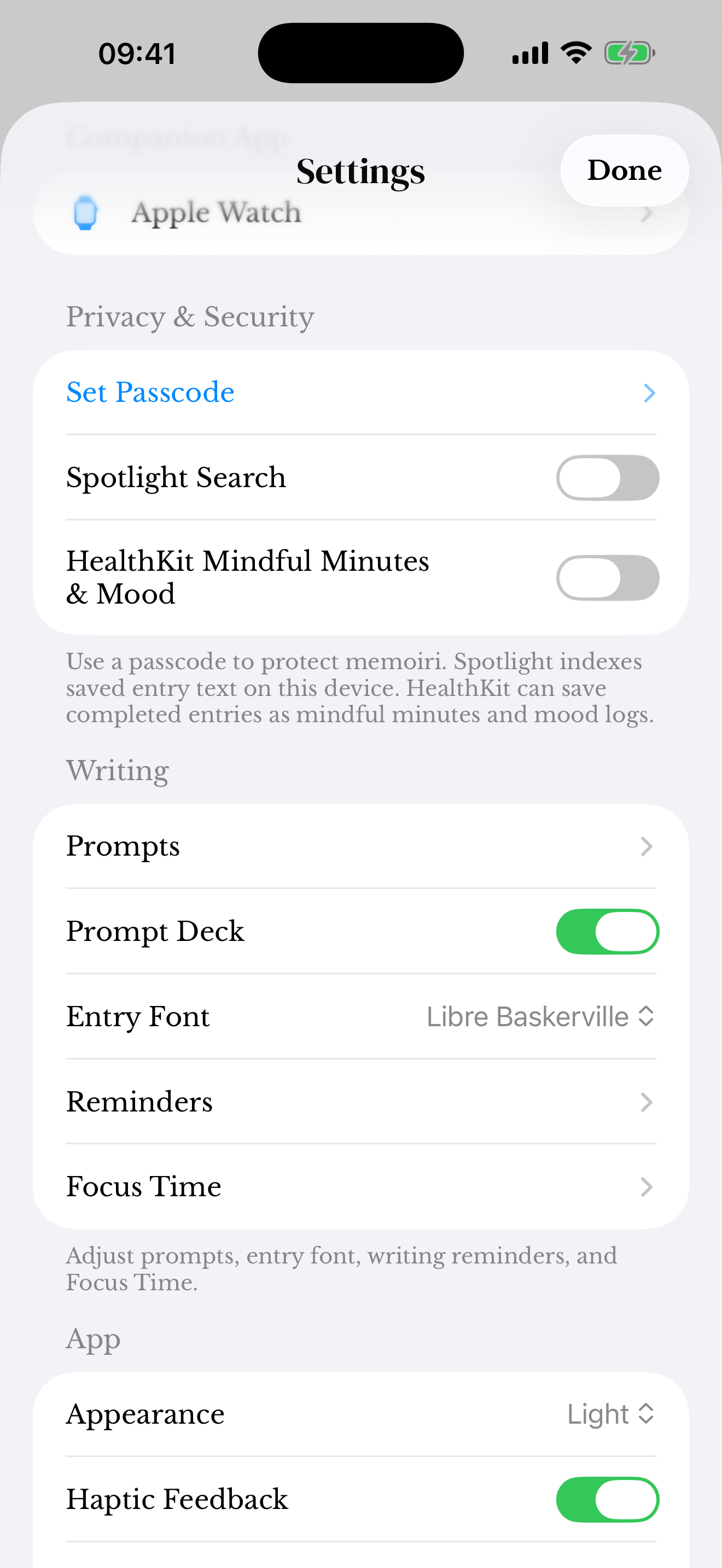
A comfortable journal
Choose a style you can read easily when returning to longer entries. System accessibility and text settings may also affect the experience on your device.
If a screen is difficult to use, contact support with the device, system version, and a description of the issue. Avoid sending a screenshot that exposes private writing.
Screenshots use sample content. Labels and available controls can vary by app version and device.