

How to get started
- In another app, open the system share sheet and choose memoir when it is available for that content.
- Review Save to memoir, choose the destination journal and tap Save to hand the content to memoir.
- Open memoir if it does not open automatically, unlock if needed, then review the imported draft.
- Add your own words and send the entry. You can also paste supported content directly into the composer.
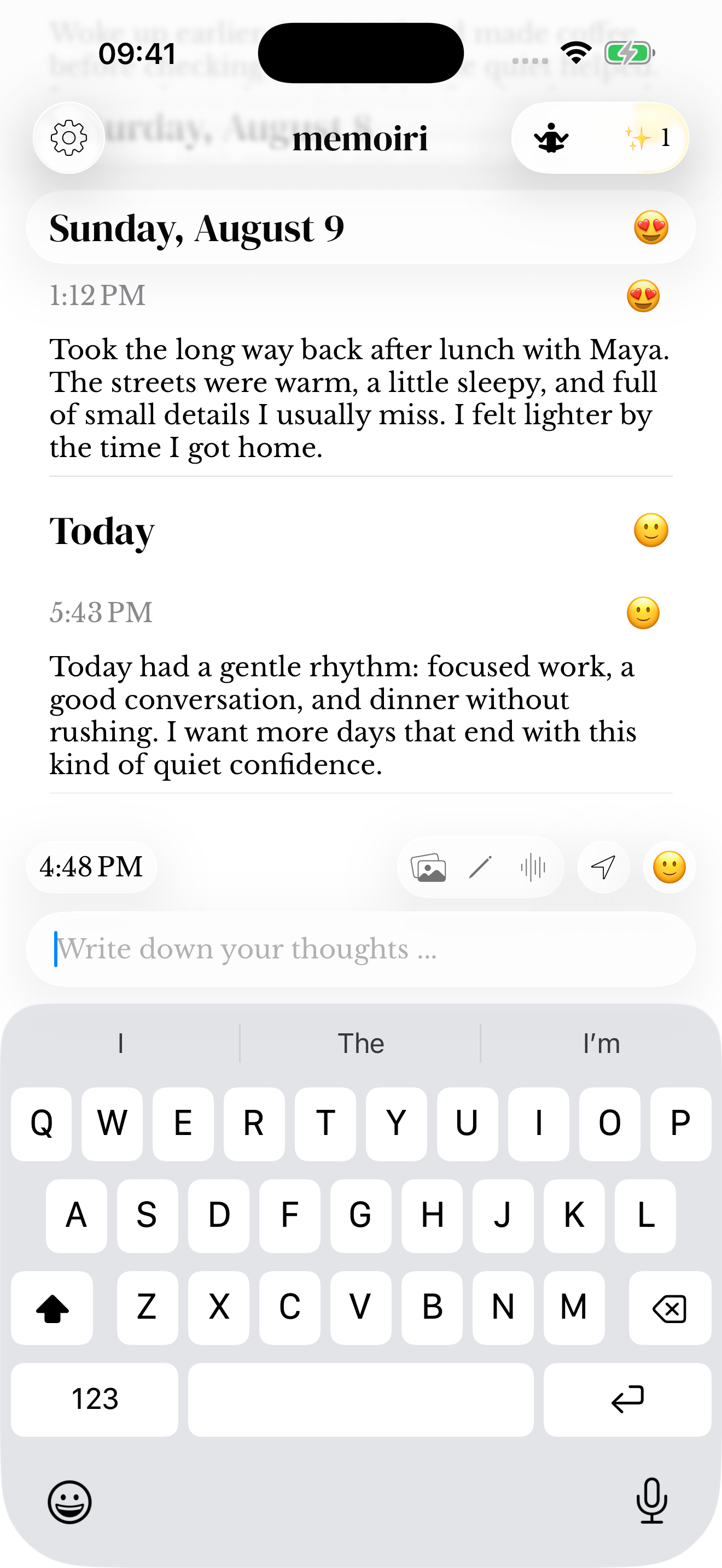
Check the draft before saving
The share extension can prepare supported text, links and images. A handoff to the app is not a reason to assume the final entry has already been sent. Check its journal and attachment previews.
Keep a complete memoir backup when your goal is to preserve the library. Copying text or sharing selected media is not a full-library export.
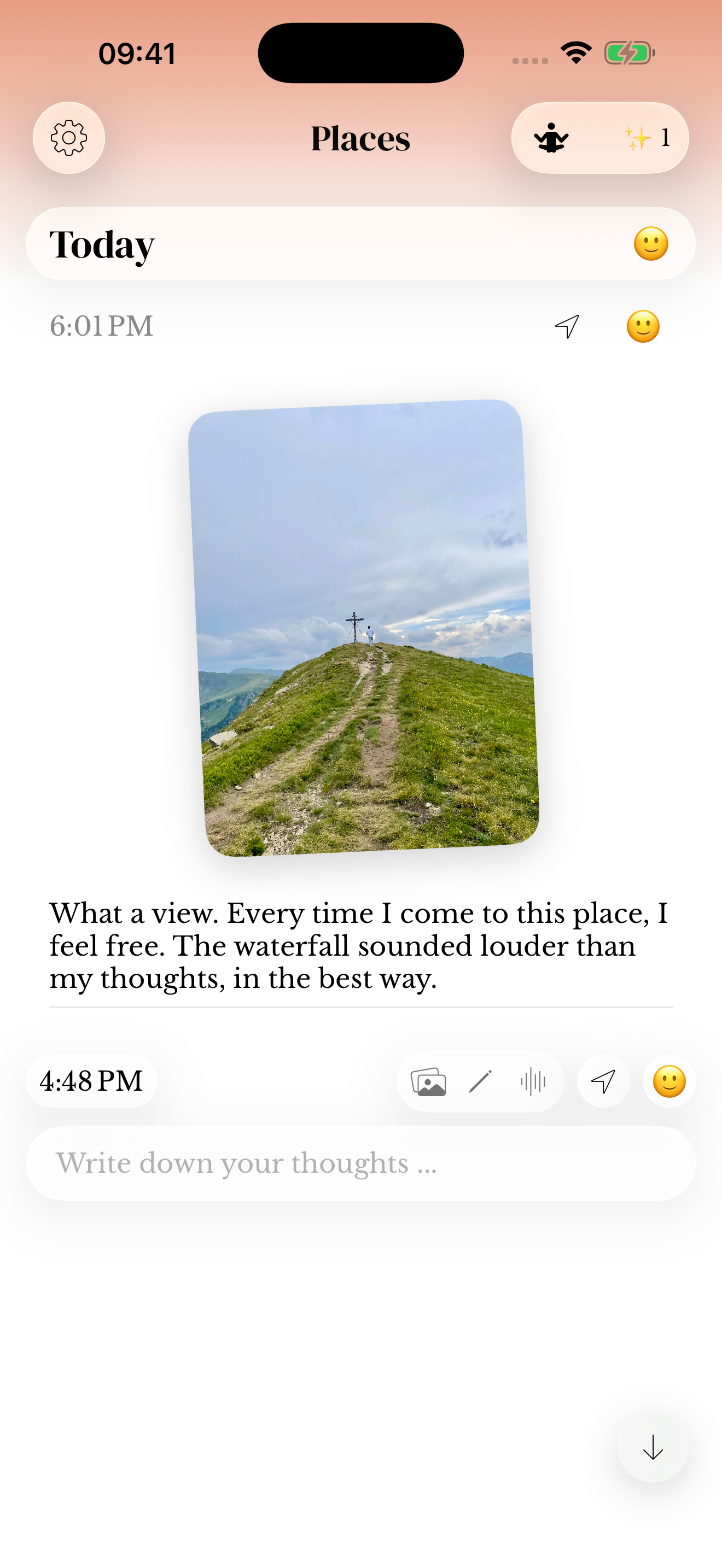
When an item will not paste
The copied item must be in a format memoir can paste. Copying a link to a file may add the link rather than attach the file. Try the relevant media picker if the clipboard does not produce the expected attachment.
The app does not promise to import arbitrary archives from other diary products through the clipboard.
Pasting photos, stickers and audio
Use the native Paste action in the writing field or your keyboard’s paste command. Text and links are inserted normally; supported opaque images become photos, transparent images become stickers, and copied audio can become the voice attachment.
Copying a file link may paste its address rather than its contents. Review the preview before sending, and use the media picker when the copied format is not supported.
Screenshots use sample content. Labels and available controls can vary by app version and device.